Is an AI PPT Tool Worth $19.90?
The practical cost, quality, and time-saving case for AI-generated presentations
If you need a standard business presentation that is well structured, clear, and presentable, spending about **$5.50** on an AI PPT tool is usually a sensible choice. That does not mean AI will produce a perfect deck without your input. It means that, for many everyday use cases, it can get you to a strong editable first draft much faster and for far less money than outsourcing the work. More importantly, it is a low-cost way to learn how AI actually fits into modern work.
So what are you really paying for when you buy an AI presentation tool?
AI is not traditional software: every task uses compute
With traditional software, you generally pay for a tool with a fixed set of features. A video editor, photo editor, or office app runs pre-written code. It still has infrastructure, maintenance, and electricity costs, but the work itself is relatively predictable. AI works differently. Every time it reads your notes, organizes a story, generates slide content, suggests a visual structure, or revises a draft, it consumes computing power. In AI, this consumption is often discussed in terms of tokens.
The more complex the task, the more compute it uses. A useful analogy is a car. Traditional software is the car itself. AI software is the car plus the fuel it consumes every time you drive it. A short request uses a little fuel; a long document, multiple revisions, or a complex deck uses more.
That is why AI tools are rarely free forever. Free plans often limit the number of generations, restrict access to stronger models, or cap certain features. When a tool charges a small fee, it is not only charging for an interface. It is also covering the ongoing cost of the underlying models and the compute required to run them.
How good can an AI-generated PPT be?
The answer is not simply “good” or “bad.” The quality usually depends on three things.
1. The model
Newer and more capable models generally understand context, structure information, and write more clearly. They are better at turning scattered notes into a coherent narrative. They also cost more to run.
2. The product experience
Two tools can use similar underlying models and still deliver very different results. One product may give you only a chat box. Another may guide you through the full presentation workflow: clarifying the topic, building an outline, creating slides, choosing layouts, filling in content, and supporting revision.
For most people, that second kind of product produces more consistent results because it reduces the amount of presentation design knowledge the user needs to bring to the task.
3. The user
AI is powerful, but it cannot read your mind. “Make a company introduction deck” is a weak brief. A better brief includes the audience, the goal, the setting, the number of slides, key source material, and a visual direction.
People who get better results from AI know how to provide context, ask for another pass, and recognize where the output needs checking. They also understand that AI can make mistakes or confidently invent details. The human still sets the direction and owns the final judgment.
With a capable model and a presentation product designed around a strong workflow, AI can already produce a solid deck for everyday business use. It is not a replacement for a top design studio or a high-stakes investor presentation. But it can be comparable to an ordinary outsourced business deck.
The math: $19.9 for AI versus about $100 for outsourcing
Let us use a simple 15-slide presentation as an example.
Freelance presentation work can vary widely. At a mid-range example of about **$6.60 per slide**, a 15-slide deck costs roughly **$100**.
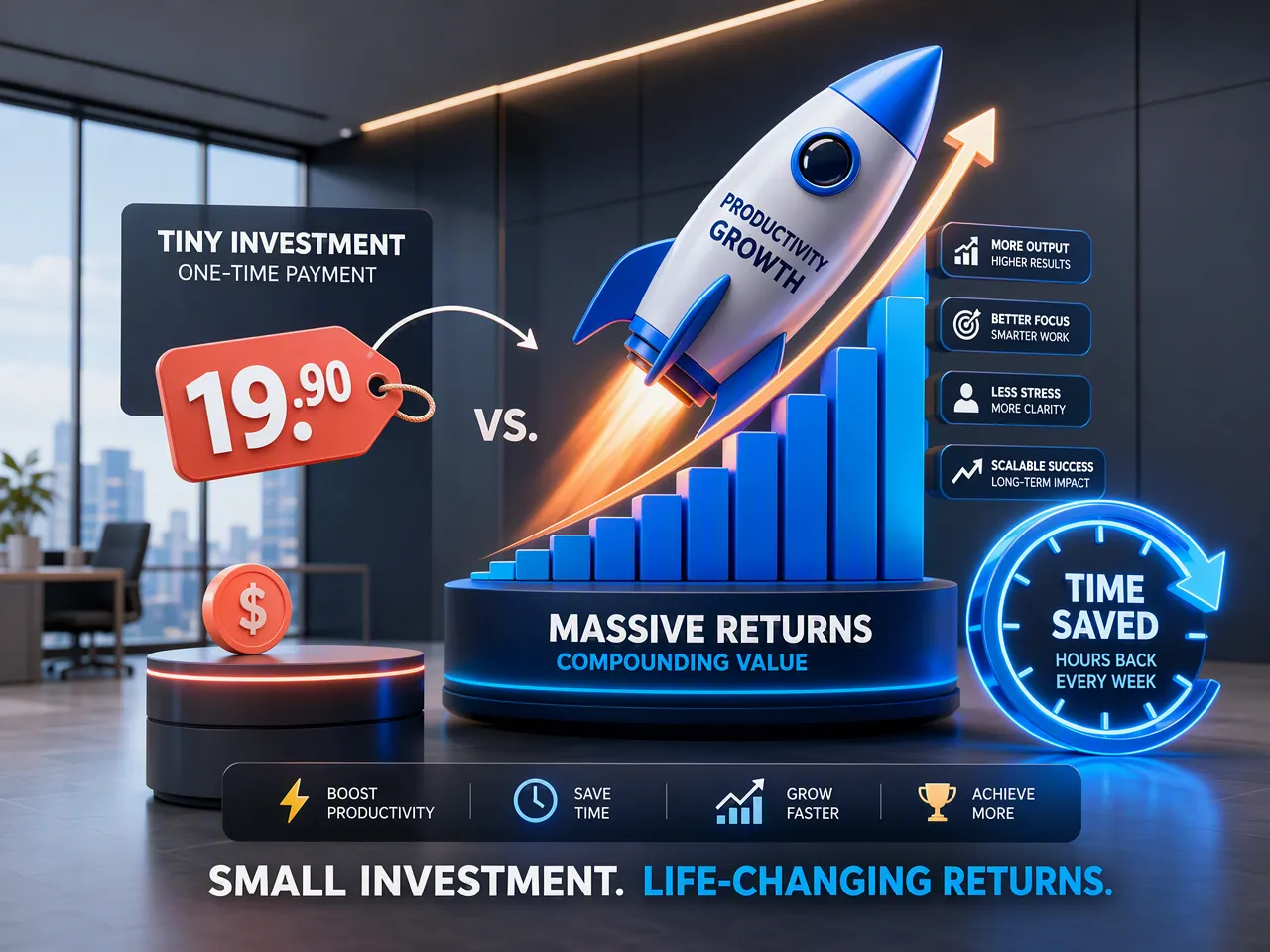
For those looking for high cost-effectiveness and instant efficiency, using an AI presentation tool costs about $19.90, takes 1 to 2 hours of your time, and delivers an editable first draft on the same day; in contrast, hiring a freelance designer costs around $100, takes about 30 minutes of briefing and feedback, but requires a 1 to 2-day turnaround for a delegated draft with revision rounds.
The outsourced route also includes coordination: perhaps 20 minutes to explain the brief, another 10 minutes to discuss revisions, and a wait for the draft. An AI tool does not need to schedule you in, and you can revise a slide immediately without reopening a price discussion.
For recurring work such as internal updates, course presentations, project summaries, early proposal drafts, competitor research, event plans, or training materials, the difference is meaningful. You are trading a small amount of hands-on time for lower cost, faster iteration, and direct control.
You are buying more than one presentation
The immediate question is whether this one deck looks good enough. That matters. But the longer-term value is easy to miss: using AI teaches you what it can do, where it fails, and how to make it useful. AI will increasingly appear in office tools, browsers, phones, customer support, design, software development, sales, operations, education, healthcare, finance, and manufacturing. It is unlikely to replace every person. But it will change how many tasks are completed.
The real risk is not simply “AI replacing people.” It is falling behind because you never learn how to work with it.
Using AI to create a presentation is practice in a new kind of working skill: describing a goal precisely, breaking work into steps, evaluating an output, asking for revisions, and turning an AI draft into something you can responsibly deliver.
You do not learn that from reading a few articles. You learn it by trying tools, noticing their weak spots, correcting them, and building judgment over time. The people who adopted computers, search engines, and smartphones early did not know everything on day one. They gained an advantage by becoming comfortable with the tools while everyone else was still hesitant.
Where AI should not be the final answer
AI-generated presentations have real limits.
If you need highly customized visual design for a major brand launch, an important client pitch, a fundraising roadshow, or a public-company-level presentation, AI is often best used as a first draft rather than the final deliverable. You should also review anything involving specialized or high-consequence information, including legal, financial, medical, investment, or research claims. AI can create plausible but inaccurate details. A human must verify facts and take responsibility for the final version.
The most useful mental model is not “AI replaces the presenter.” It is “AI is a fast, capable, always-available assistant.” It can compress the journey from zero to a workable draft, but it should not be the only source of judgment.
So, is $19.90 worth it?
It depends on what you need.
If you are making two casual slides, do not care about speed, and have no interest in learning how to use AI, you can skip it.
If you want a clearer, more polished presentation faster, and you are willing to review and improve the result, around $19.90 is usually money well spent.
And if you were about to pay roughly $100 for a 15-slide outsourced deck, paying $19.90 for AI to create a first version is an easy experiment to justify.
You are not paying for a file. You are paying to finish a piece of work faster, regain control of the revision process, and learn a skill that will matter more as AI becomes part of everyday work.


