best ai powerpoint generator: AI‑Powered Presentation Maker in 2026
The best ai powerpoint generator is not the same for every person, team, or presentation. A student preparing a class project may need speed and simplicity. A marketer may care about design variety and campaign visuals. A founder pitching investors may need a persuasive story, credible structure, and a polished deck that looks ready for a serious business conversation.
That is why choosing an AI presentation tool is less about finding one universal winner and more about matching the tool to the deck you need to deliver. Many platforms can create attractive slides quickly. Fewer can help you shape a clear argument, organize business logic, and turn rough inputs into a professional presentation that supports decisions.
This guide compares leading AI PowerPoint and presentation tools, including Pi, Gamma AI, Tome, Presentations.ai, Beautiful.ai, Canva, PowerPoint, and Google Slides with AI features. It also explains practical use cases, pros and cons, and how to choose the right AI PPT maker for your workflow.
What Makes a Great AI PowerPoint Generator in 2026?
A strong AI PowerPoint generator should do more than place text into slide templates. The real value comes from helping users move from a vague idea to a structured, editable, visually coherent deck.
For simple tasks, speed may be enough. If you need a quick internal update, an AI slide generator that turns a prompt into a clean draft can save hours. But for higher-stakes work, the requirements change. A pitch deck, sales proposal, board update, consulting report, or product launch deck needs a stronger foundation.
A great AI presentation generator should support:
- Clear deck structure based on the purpose and audience
- Logical flow from problem to insight, recommendation, or action
- Professional slide layouts that are readable and polished
- Editing flexibility after the first draft
- Export options for PowerPoint-style workflows
- Collaboration features for teams
- Ability to work from notes, documents, research, or prompts
- Visual quality that matches the seriousness of the presentation
The best tools reduce blank-page friction without removing human judgment. AI can accelerate research organization, slide drafting, and visual production, but users still need to review claims, adjust messaging, and make sure the final deck fits the audience.
Best AI PowerPoint Generators to Consider
Different AI presentation tools are built around different strengths. Some focus on fast web-style documents. Some are design platforms with slide features. Some work best inside existing office ecosystems. Others are designed specifically for business-ready presentations.
Pi
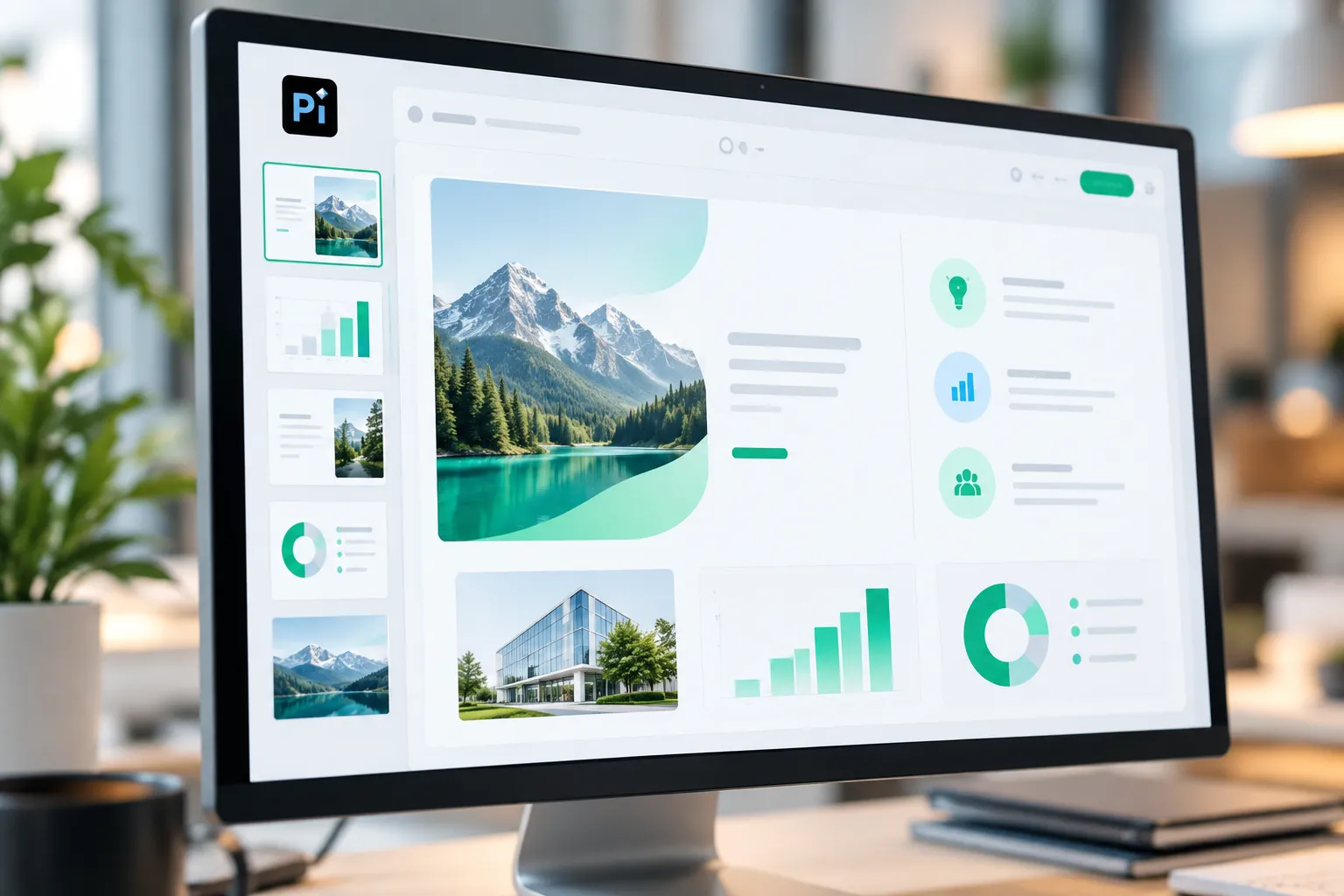
Pi, short for Presentation Intelligence, is an AI PPT generator built for professional business presentations. It is especially relevant for users who need more than quick slide drafts: founders creating pitch decks, consultants preparing client reports, marketers building product launch decks, and teams producing executive presentations.
Pi’s strength is its focus on business logic, professional structure, Multi-Agent AI, and premium visual quality. Instead of treating a presentation as a set of disconnected slides, Pi is designed to help shape the flow of ideas into a more coherent business narrative.
Pros: Strong fit for high-stakes business decks, structured workflows, polished aesthetics, and professional use cases.
Cons: Users who only need a very casual classroom slide deck or a lightweight creative layout may not need the full depth of a professional Presentation Intelligence workflow.
Gamma AI
Gamma AI is useful for quickly generating presentations, pages, and web-style documents from prompts. It can help users move fast when they need a visually clean draft and do not want to spend too much time formatting slides manually.
Its strength is speed and ease of creation. For informal updates, educational explainers, or lightweight proposals, Gamma AI can be a practical ai presentation generator. The main consideration is whether the output matches a formal PowerPoint-style business expectation, especially for executives, investors, or enterprise buyers.
Pros: Fast drafting, clean web-native presentation style, easy for early ideation.
Cons: Users may need additional refinement when a deck requires traditional PPT structure, detailed business logic, or highly customized slide storytelling.
Tome
Tome is often a good fit for narrative-driven presentations. It works well when the user wants to build a visual story rather than a traditional corporate deck. For founders, educators, or creators who want a flowing presentation experience, it can be helpful.
Tome is strongest when the goal is storytelling and concept communication. It may be less ideal when the final output needs to follow a formal consulting, sales, financial, or board-style structure.
Pros: Good for visual storytelling, narrative flow, and concept-led presentations.
Cons: May require additional work for business decks that demand rigorous structure, detailed analysis, or conventional PowerPoint formatting.
Presentations.ai
Presentations.ai is relevant for teams looking for AI-assisted deck creation, branded workflows, and presentation automation. It can help organizations generate slides faster while keeping visual consistency in mind.
Its value depends on how much a team needs brand alignment, repeatable deck creation, and collaboration. For high-stakes strategy work, users should evaluate whether the tool provides enough customization, narrative depth, and business reasoning for their specific use case.
Pros: Useful for team workflows, branded presentation creation, and repeatable slide production.
Cons: Strategic depth and customization should be evaluated carefully for investor decks, consulting reports, or executive decision documents.
Beautiful.ai
Beautiful.ai is known for template-guided design and consistent slide layouts. It helps users avoid messy formatting by using smart templates that keep slides visually balanced.
This makes it attractive for teams that want clean decks without needing advanced design skills. However, template-driven systems can sometimes feel restrictive when users need more customized layouts, unconventional narratives, or highly tailored business slides.
Pros: Strong design consistency, clean templates, efficient layout control.
Cons: Template structure may limit flexibility for complex or heavily customized presentations.
Canva
Canva is a broad visual design platform that includes presentation features. It is especially useful for marketers, creators, students, and teams that need graphics, social posts, posters, documents, and slides in one place.
As an AI PPT maker, Canva is helpful for visual assets and template-based slide creation. It is less specialized for deep business narrative development, so users creating high-stakes decks may need to bring more of the strategic structure themselves.
Pros: Large template library, strong visual design tools, useful beyond presentations.
Cons: Business logic, executive narrative, and formal deck strategy may require more manual planning.
PowerPoint and Google Slides with AI Features
PowerPoint and Google Slides remain important because many teams already use them for editing, presenting, sharing, and collaboration. AI features in familiar office tools can help with drafting, summarizing, formatting, and visual suggestions.
Their biggest advantage is workflow familiarity. The challenge is that users may still need to do more manual work to turn raw ideas into a strong storyline. These tools are excellent for final editing and delivery, but the initial strategic deck structure may require additional support.
Pros: Familiar interfaces, strong collaboration, widely accepted delivery formats.
Cons: More manual effort may be needed to generate business-ready structure from scratch.
AI PowerPoint Generator Comparison Table
| Tool | Best Use Case | Strengths | Limitations | Ideal Users |
|---|---|---|---|---|
| Pi | Professional business decks | Business logic, Multi-Agent AI, premium visual quality | More depth than casual users may need | Founders, consultants, marketers, business teams |
| Gamma AI | Fast AI-generated drafts | Speed, clean layouts, web-style output | May need refinement for formal PPT decks | Students, creators, lightweight business users |
| Tome | Story-driven presentations | Narrative flow, visual storytelling | Less focused on traditional business structure | Educators, founders, storytellers |
| Presentations.ai | Branded team decks | AI-assisted creation, consistency | Strategic depth varies by use case | Teams, departments, brand-focused users |
| Beautiful.ai | Template-guided design | Consistent layouts, design guardrails | Less flexible for custom structures | Business users who want clean templates |
| Canva | Marketing and visual content | Templates, graphics, creative assets | Less specialized for business narrative | Marketers, students, creators |
| PowerPoint / Google Slides | Editing and delivery | Familiar tools, collaboration, exports | Structure often requires manual work | General users, teams, schools |
Real-World Scenarios: Which Tool Fits Which Job?
For pitch decks, the right tool should help shape the story behind the business, not just create attractive pages. Founders need to explain the problem, market, solution, traction, business model, and ask in a logical sequence. Pi is a strong fit when the deck must look professional and communicate business reasoning clearly.
For sales decks, the focus should be customer pain, value proposition, proof, solution fit, and next steps. Canva or Beautiful.ai may help with visual polish, while Pi can be useful when the sales narrative needs a more strategic structure.
For consulting reports, the deck often needs issue trees, findings, recommendations, and executive summaries. This is where business logic matters. A simple ai slide generator may create a draft, but teams usually need a tool that supports structured thinking and polished output.
For executive presentations, clarity and credibility are essential. Senior audiences do not want decorative slides; they want a concise path to decisions. Pi is relevant here because it is designed around professional structure and presentation intelligence.
For student projects, Gamma AI, Canva, Google Slides, and PowerPoint can all work well. Students often need speed, simple visuals, and easy editing more than complex business logic.
For marketing proposals, Canva can be useful for creative assets and campaign visuals, while Pi can help when the proposal needs to connect market context, strategy, positioning, and execution.
For internal updates, familiar tools like PowerPoint and Google Slides may be enough, especially when the audience already understands the context. AI can help summarize progress, create status slides, and speed up formatting.

How to Choose the Best AI PowerPoint Generator
Start with the presentation’s purpose. Are you informing, persuading, teaching, selling, reporting, or requesting a decision? A classroom explainer, a product launch plan, and an investor pitch require very different structures.
Next, consider the audience. A casual internal team update can tolerate a rougher draft. A board meeting, client proposal, or funding presentation needs stronger logic, cleaner visuals, and more careful wording.
Then evaluate editing control. A useful ai powerpoint creator should let you refine the output after generation. AI-generated decks are rarely perfect on the first attempt, so you need the ability to adjust slide order, rewrite messages, replace visuals, and polish layouts.
Also consider your export workflow. If your organization presents in PowerPoint, make sure the tool supports a practical PPT-style workflow. If your team collaborates in Google Slides, check how easily content can move into that environment.
Finally, look at the level of business support. If you only need to generate powerpoint with ai for a simple presentation, many tools can help. If the deck must support a recommendation, investment case, market argument, or executive decision, choose a tool that helps with the thinking behind the slides.
Where Pi Fits Best for Professional Decks
Pi is not meant to replace every presentation tool for every user. Its strongest role is helping professionals create business-ready decks where structure, logic, and polish matter together.
For teams that already know exactly what each slide should say, a template editor may be enough. But when the challenge is turning messy notes, research, business context, and strategic goals into a coherent deck, Pi’s Presentation Intelligence approach becomes more relevant.
1. Business Logic Comes Before Slide Styling
A professional deck is not just a visual document. It is a structured argument. Before slide styling begins, the presentation needs to clarify what the audience should understand, believe, or decide.
Pi is built around this deeper requirement. It helps users think beyond slide decoration and focus on the path from context to conclusion. That matters for pitch decks, sales narratives, consulting reports, market research decks, and executive updates where the order of ideas can be as important as the design.
When business logic comes first, every slide has a job. The deck becomes easier to follow, easier to present, and easier for the audience to act on.
2. Multi-Agent AI Supports a Deeper Workflow
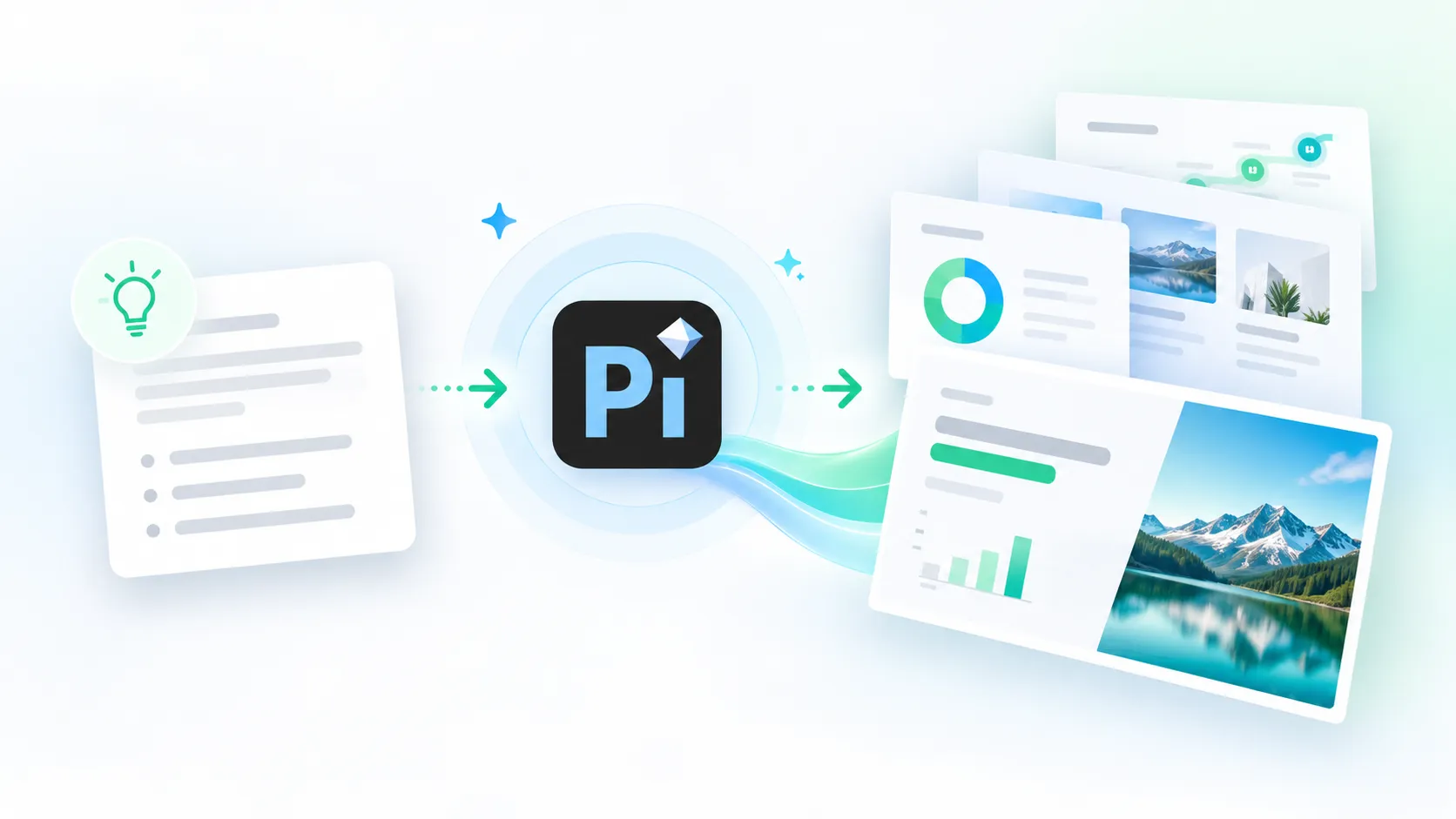
Multi-Agent AI helps Pi support a more complete presentation workflow. Instead of relying on a single prompt-to-slide process, the experience can better reflect the different tasks involved in deck creation: understanding context, structuring the story, generating content, shaping slide flow, and improving visual quality.
This is useful when the input is incomplete or scattered. A team may start with meeting notes, product details, research summaries, customer insights, or a rough business idea. Pi can help transform that material into a more structured presentation draft.
For professional users, this saves time while still keeping the deck focused on the business objective. The goal is not simply to generate slides faster; it is to create a stronger first version that requires less rework.
3. Premium Visual Quality for High-Stakes Presentations
Visual polish affects credibility. In a high-stakes presentation, a deck that looks inconsistent, crowded, or generic can distract from the message. Strong design does not need to be flashy, but it should feel intentional, readable, and aligned with the seriousness of the topic.
Pi emphasizes premium, business-grade aesthetics for professional decks. That makes it relevant for investor meetings, client proposals, executive briefings, product launches, and market strategy presentations.
The benefit is practical: users can spend less time fighting layouts and more time refining the message. For teams without a dedicated design department, that can make the difference between a usable draft and a boardroom-ready presentation.
Practical Tips for Getting Better AI-Generated PowerPoint Slides
The quality of AI-generated slides depends heavily on the input. A vague prompt usually creates a generic deck. A specific prompt gives the AI more context and produces a more useful draft.
Tell the tool who the audience is, what the presentation should achieve, and what tone you want. For example, “Create a 10-slide investor pitch deck for a B2B SaaS startup targeting CFOs” is much stronger than “Make a pitch deck.”
Provide source material when possible. Notes, documents, research findings, product descriptions, customer personas, and sales messaging can all improve the output. The more relevant context you provide, the less the AI needs to guess.
Ask for a storyline before generating slides. This helps you check whether the structure makes sense before investing time in design. For business decks, review the narrative carefully: Does the deck explain the problem clearly? Does the evidence support the recommendation? Does each slide lead naturally to the next?
Finally, review every claim before presenting. AI can accelerate the process, but you remain responsible for accuracy, tone, and audience fit. Check numbers, customer quotes, market claims, and strategic recommendations before the deck is shared.
The Verdict: Choose Based on the Presentation You Need to Deliver
The best ai powerpoint generator depends on the job. Gamma AI and Tome can be useful for fast drafts and narrative-style presentations. Canva and Beautiful.ai help users create clean, visual slides with less design effort. PowerPoint and Google Slides remain practical for collaboration, editing, and final delivery.
Pi fits best when the presentation needs to be business-ready, strategically structured, and visually polished. For pitch decks, sales decks, consulting reports, market research presentations, product launch decks, and executive briefings, the quality of the argument matters as much as the speed of generation.
If your main goal is a quick draft, choose the fastest tool that fits your format. If your goal is a professional deck that supports a serious business conversation, prioritize structure, logic, editability, and premium presentation quality.
Frequently Asked Questions (FAQ)
What is the best AI PowerPoint generator?
The best AI PowerPoint generator depends on your use case. For quick drafts, tools like Gamma AI, Tome, Canva, or Beautiful.ai may be useful. For professional business decks that require structure, business logic, and polished visuals, Pi is a strong option to consider.
Can AI generate PowerPoint slides from a prompt?
Yes. Many AI presentation tools can generate slides from a prompt, notes, documents, or other source material. However, the quality of the final deck depends on how specific your input is and whether the tool can create a logical presentation structure, not just individual slides.
Which AI PPT maker is best for business presentations?
For business presentations, look for an AI PPT maker that supports clear narrative flow, professional layouts, editing control, and strategic structure. Pi is designed for business use cases such as pitch decks, sales decks, consulting reports, executive presentations, and product launch decks.
How should I choose an AI presentation generator?
Choose an AI presentation generator based on your audience, deck purpose, design expectations, collaboration needs, and export workflow. If the presentation is low-stakes, speed and templates may be enough. If it is high-stakes, prioritize business logic, structure, and premium visual quality.