Best AI Video Generator: Top Tools to Create AI Videos in 2026
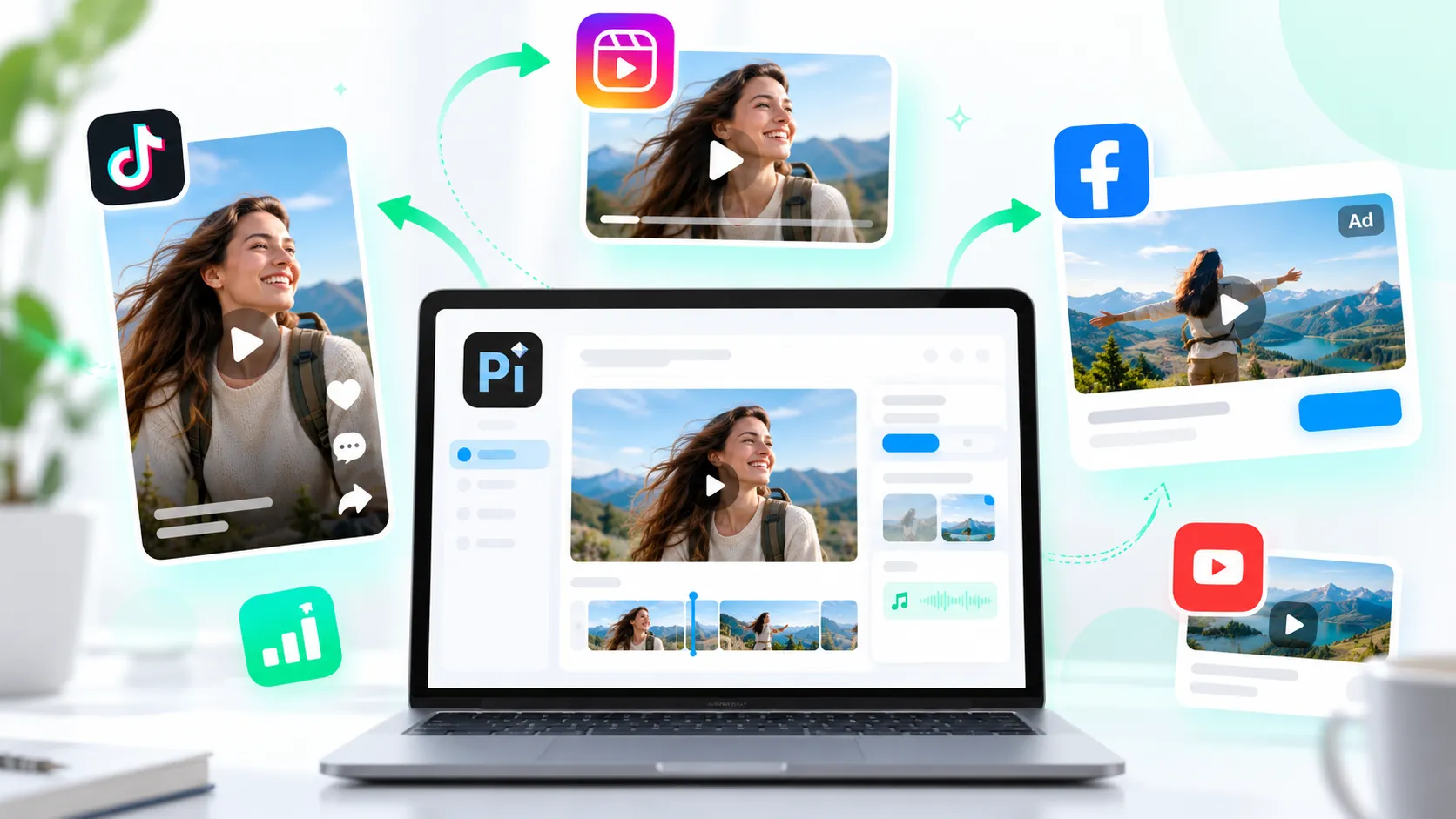
The best AI video generator in 2026 is not one universal platform. It depends on what you want to create, what materials you already have, and how much control you need after the first draft.
A creator making short social clips may need captions, templates, and fast resizing. A marketing team may care more about brand consistency, campaign variations, and collaboration. A founder, educator, or consultant may need to turn notes, scripts, or presentation material into clear professional video communication. Meanwhile, a filmmaker or visual creator may prioritize cinematic prompt-based scenes.
That is why choosing an AI video maker is less about picking the most talked-about tool and more about matching the tool to the workflow. This guide compares leading AI video generator tools for marketing videos, social media clips, avatar explainers, cinematic drafts, and presentation videos so you can build a practical shortlist.
What Makes a Good AI Video Generator in 2026?
A good AI video generator should help you move from idea to usable video faster without forcing you into a complicated editing process. The strongest tools now support more than basic text-to-video prompts. They help with structure, visuals, voiceover, captions, scene pacing, and export formats.
Before choosing an AI video creation tool, check whether it supports your main input type. Some platforms work best from text prompts. Others are stronger with scripts, images, slides, screen recordings, brand templates, or avatar narration.
The most important evaluation factors are:
- Input flexibility: text prompts, scripts, images, slides, URLs, or reference files.
- Output format: landscape, vertical, square, and presentation-friendly video.
- Editing control: timeline edits, scene changes, captions, music, and voiceover.
- Visual quality: realism, style consistency, motion quality, and export resolution.
- Brand support: fonts, colors, templates, logos, and repeatable campaign formats.
- Business readiness: collaboration, privacy, commercial usage, and licensing clarity.
- Pricing limits: credits, watermarks, duration caps, resolution limits, and export rules.
The right tool should make your work easier, not simply generate something impressive once. For marketing and business use, repeatability often matters as much as visual novelty.
Best AI Video Generator Tools Compared
| Tool | Best Use Case | Key Strengths | Practical Limitations | Ideal Users |
|---|---|---|---|---|
| Runway | Cinematic prompt videos | Generative scenes, visual experimentation | May need iteration for precise results | Creators, studios, visual marketers |
| Pika | Short creative clips | Fast text-to-video and image animation | Limited for structured business storytelling | Social creators, concept artists |
| Synthesia | Avatar explainers | Presenter-style videos, training content | Less suited to cinematic scenes | L&D, sales enablement, enterprise teams |
| HeyGen | Personalized avatar videos | Avatars, translations, outreach videos | Avatar format may not fit every brand | Sales, marketing, customer success |
| Canva | Quick marketing videos | Templates, brand assets, easy editing | Advanced AI video control can be limited | Marketers, small businesses, creators |
| Adobe Express / Firefly | Branded creative assets | Design ecosystem, polished media workflows | Best value if you already use Adobe tools | Designers, content teams |
| Descript | Editing and repurposing | Script-based editing, captions, clips | More editing-focused than pure generation | Podcasters, educators, video editors |
| CapCut | Social media clips | Mobile editing, captions, effects | Less business-oriented for formal content | TikTok, Reels, Shorts creators |
| Pi | Presentation videos | Structured business communication, presentation-to-video workflows | Not positioned as a cinematic effects model | Marketers, founders, educators, teams |
Top AI Video Generators for Different Use Cases
Different AI video tools solve different creative problems. The most useful way to compare them is by workflow: cinematic generation, avatar narration, social media editing, marketing asset creation, or presentation-based communication.
Runway
Runway is one of the most recognized tools for prompt-based AI video generation. It is a strong fit when you want to generate video with AI from text prompts, reference images, or creative visual concepts.
Best fit: cinematic clips, concept videos, experimental visuals, and creative campaign drafts.
Pros:
- Strong generative video capabilities for visual experimentation.
- Useful for creating atmospheric scenes, motion concepts, and stylized clips.
- Good option for creators who want to explore multiple visual directions quickly.
Cons:
- Precise control can require multiple prompt iterations.
- Credit usage and export limits should be reviewed carefully.
- It may be more than a marketer needs for simple explainers or structured business videos.
Pika
Pika is often used for short, creative AI-generated clips. It works well for creators who want quick motion, image animation, and social-friendly visual ideas.
Best fit: short-form visual clips, creative experiments, and lightweight concept generation.
Pros:
- Fast path from prompt to short video draft.
- Useful for animating images and testing visual ideas.
- Accessible for creators who do not want a traditional editing workflow.
Cons:
- Not always ideal for longer, structured narratives.
- Business storytelling, data explanation, and presentation workflows may need another tool.
- Results can vary depending on prompt clarity and source material.
Synthesia
Synthesia focuses on avatar-led videos. Instead of generating cinematic scenes, it helps users create presenter-style videos from scripts. This makes it popular for training, onboarding, internal communication, and explainers.
Best fit: training videos, HR content, internal updates, and scripted explainers.
Pros:
- Strong for presenter-led business videos.
- Useful when you need consistent narration without filming a speaker.
- Supports repeatable production for teams creating educational or operational content.
Cons:
- Avatar videos can feel formal if the script is not written naturally.
- Less suitable for cinematic or highly visual brand campaigns.
- Some teams may still prefer human-recorded footage for sensitive messages.
HeyGen
HeyGen is another strong option for avatar and personalized video workflows. It is often used for sales outreach, marketing messages, translation, and customer-facing videos.
Best fit: personalized video messages, avatar explainers, and multilingual communication.
Pros:
- Useful for creating speaker-led videos without a studio setup.
- Personalization features can support sales and customer engagement.
- Translation and localization features are helpful for global teams.
Cons:
- Avatar-led formats are not always the right fit for every campaign.
- Brand tone depends heavily on script quality and presenter choice.
- Pricing, usage rights, and video limits should be checked before scaling.
Canva
Canva is a practical AI video maker for teams that need fast marketing content, especially when they already use Canva for design. It combines templates, stock assets, editing tools, and AI features in one accessible workspace.
Best fit: marketing videos, social posts, ads, simple explainers, and small business content.
Pros:
- Easy to use for non-designers.
- Strong template library for social and marketing formats.
- Helpful for teams that want brand assets, graphics, and video in one place.
Cons:
- Advanced generative video control may be limited compared with specialist tools.
- Template-based videos can feel familiar unless customized carefully.
- Larger teams may need clear brand governance to keep output consistent.
Adobe Express and Firefly Video Workflows
Adobe’s creative ecosystem is a good fit for teams that already use design tools and want polished media assets. Adobe Express is accessible for quick content creation, while Firefly-related workflows support generative creative exploration.
Best fit: branded creative assets, design-led video content, and polished campaign media.
Pros:
- Strong design environment for creators and marketers.
- Useful when video is part of a broader brand campaign.
- Good fit for teams that care about visual polish and asset consistency.
Cons:
- The full ecosystem may feel broad for users who only need simple video generation.
- Some workflows are more design-oriented than script-oriented.
- Usage terms, credits, and export options should be reviewed for commercial projects.
Descript
Descript is not just an AI video generator. It is especially useful for editing spoken content, podcasts, webinars, tutorials, and interviews. Its script-based editing approach makes it practical for repurposing long-form content into shorter clips.
Best fit: editing recorded content, turning webinars into clips, and creating captioned videos.
Pros:
- Excellent for text-based video and audio editing.
- Useful for captions, cleanup, and content repurposing.
- Strong fit for educators, podcasters, and content marketers.
Cons:
- It is more editing-focused than prompt-to-video focused.
- You usually need recorded or scripted source material.
- It may not be the first choice for cinematic AI scene generation.
CapCut
CapCut is popular for social media video creation. It is especially useful for vertical clips, captions, transitions, effects, and quick mobile-first editing.
Best fit: TikTok, Instagram Reels, YouTube Shorts, and creator-led social content.
Pros:
- Fast, accessible editing for short-form video.
- Strong captioning, effects, and social-friendly templates.
- Good fit for creators who publish frequently.
Cons:
- Less focused on formal business storytelling.
- Brand consistency may require extra discipline.
- It is strongest for editing and packaging social clips, not complex business communication.
Best AI Video Generator for Marketing Videos
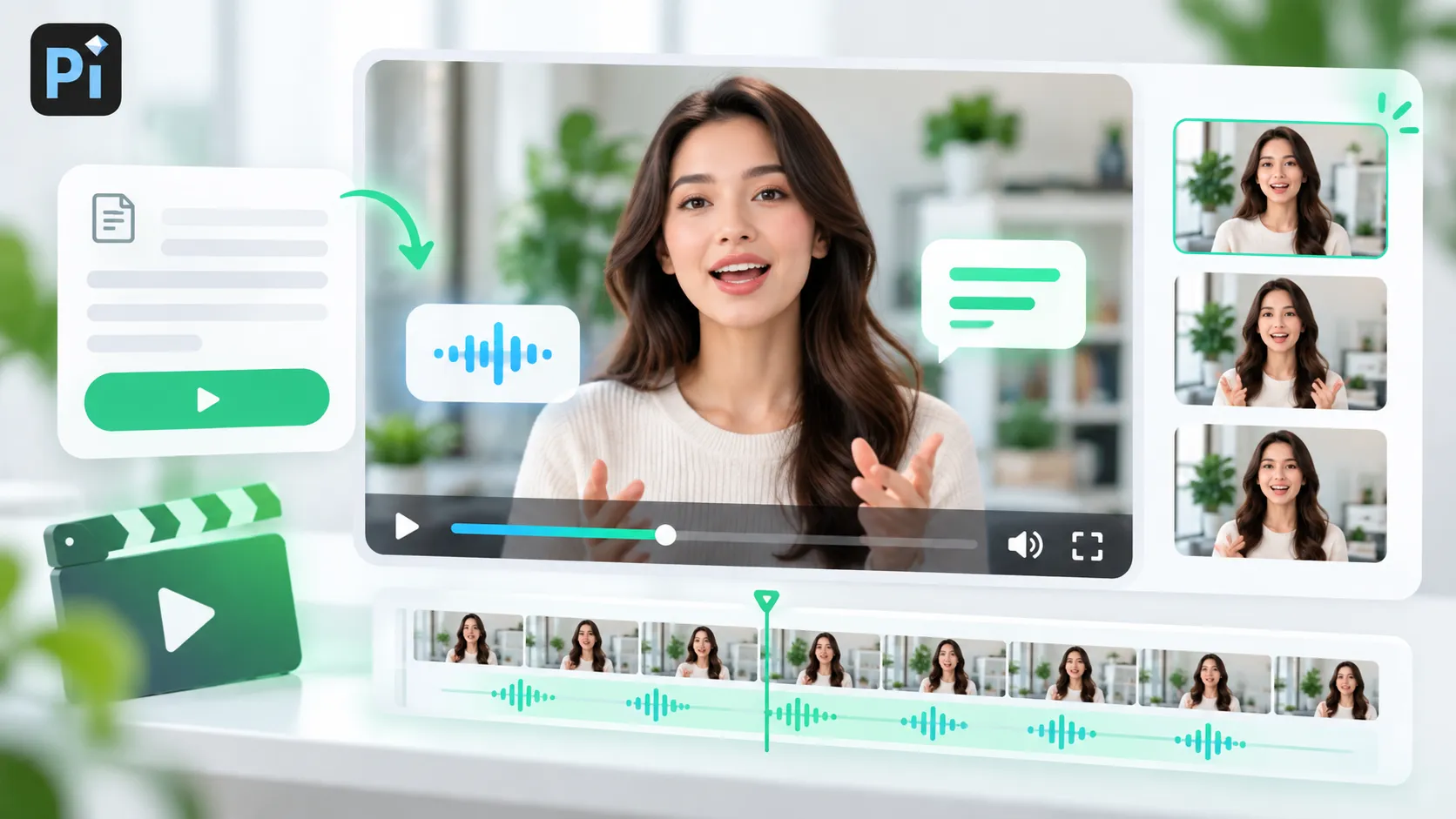
For marketing teams, the best AI video generator is usually the one that supports repeatable campaign production. A single impressive clip is useful, but marketers often need multiple versions for different channels, audiences, messages, and aspect ratios.
Canva and Adobe-style workflows are strong for template-based marketing videos. Runway and Pika are useful when a campaign needs visual experimentation or prompt-generated creative assets. HeyGen and Synthesia can help when the message works best through a presenter or avatar.
Marketing teams should prioritize tools that make it easy to manage brand assets, add captions, adjust formats, export cleanly, and create variations without starting from scratch. Before committing to a platform, check whether commercial usage, team access, and export quality match the campaign’s requirements.
Best AI Video Generator for Social Media Clips
Social media creators need speed, format flexibility, and strong hooks. The best tool for this workflow is often the one that helps create vertical videos quickly, add captions automatically, and publish variations for different platforms.
CapCut is a strong option for short-form editing and effects. Canva is useful for branded social templates. Pika can help create quick visual clips, while Descript is helpful when repurposing podcasts, webinars, or talking-head videos into shorter social content.
For social media, the source material matters. If you start with a script, an avatar tool may work well. If you start with a recorded webinar, Descript may be more useful. If you start with a visual idea, prompt-based tools like Runway or Pika may be the better fit.
Best AI Video Generator for Presentation Videos
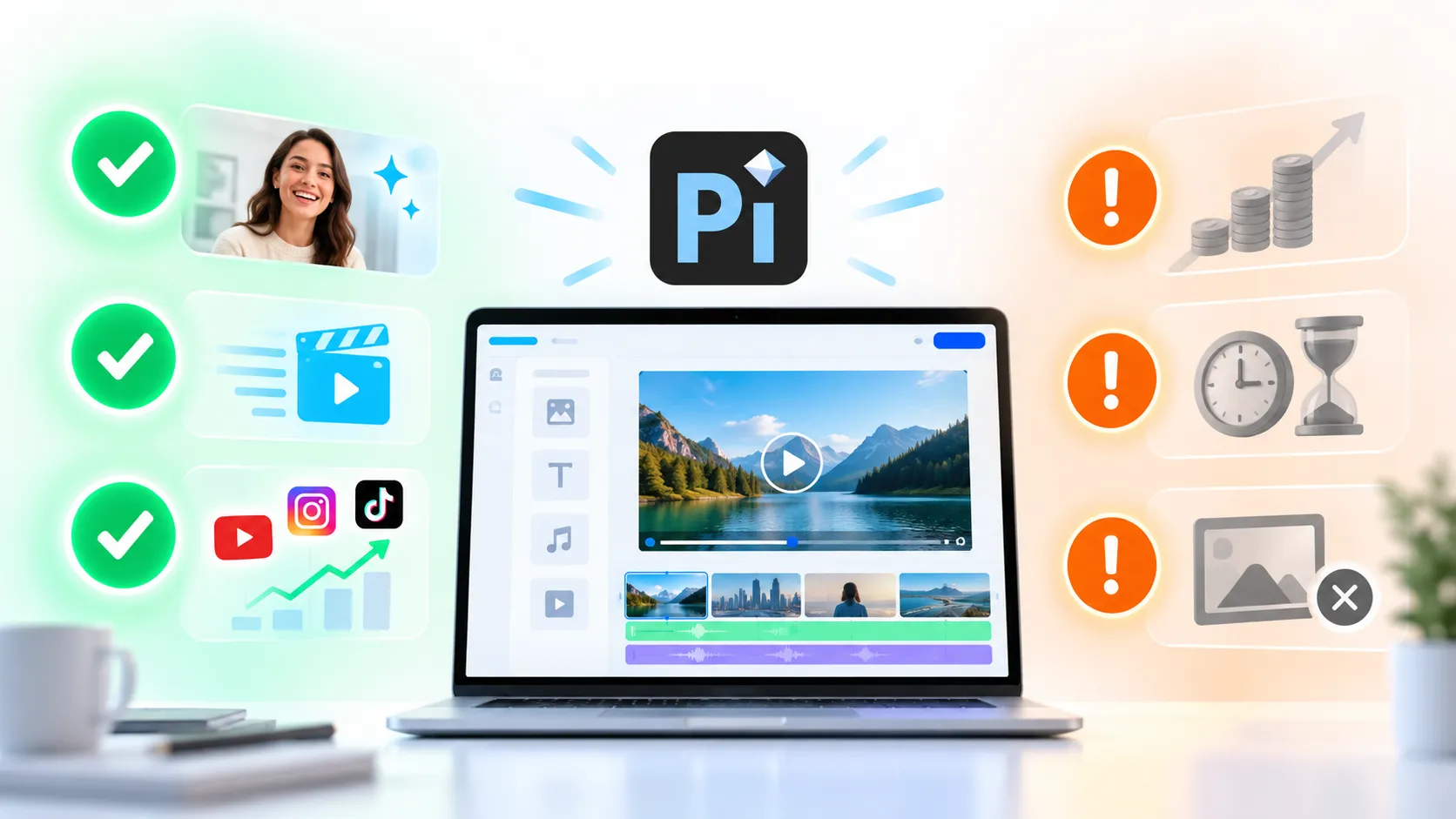
Presentation videos are different from cinematic clips and casual social posts. They need structure, message clarity, and a logical flow. This is where Pi is especially relevant.
Pi, short for Presentation Intelligence, is built around professional business communication. For users who want to turn ideas, notes, scripts, reference content, or presentation material into polished video-friendly communication, Pi fits a different need than a purely cinematic AI video model.
1. Business Logic Comes Before Visual Effects
Many AI video tools begin with visuals. Pi is more useful when the starting point is the message: what the audience needs to understand, why it matters, and what should happen next.
That makes Pi a strong fit for pitch narratives, product explainers, executive updates, sales messages, educational content, and presentation-based videos where the structure must be clear.
2. Presentation Material Can Become Video Communication
Business teams often already have useful source material: slides, notes, reports, scripts, market research, product messaging, or sales enablement content. The challenge is turning that material into a format people can watch and understand quickly.
Pi supports this workflow by helping transform structured content into professional communication assets. For marketers, founders, consultants, educators, and internal teams, this can be more valuable than generating a visually dramatic clip that lacks a clear message.
3. Professional Aesthetics Matter for Business Audiences
A presentation video often needs to look credible. It may be shared with customers, investors, executives, partners, or employees. In those settings, clarity and business-grade visual quality matter more than novelty.
Pi’s strength is not replacing every cinematic or avatar-focused platform. Its value is helping teams create more polished, structured, professional content when the video needs to explain, persuade, or align an audience.
How to Choose the Right AI Video Maker
Choosing the right AI video maker starts with the job you need the video to do. If the goal is attention, you may want a visual-first generator. If the goal is explanation, you may need a script-first or presentation-first workflow. If the goal is scale, you need templates, brand controls, and predictable exports.
Start by identifying your main audience. A TikTok viewer, enterprise buyer, employee trainee, investor, and classroom learner all expect different pacing and levels of detail. Then consider your source material. A text prompt, product image, webinar recording, slide deck, and sales script each point toward a different tool.
Editing control is also important. Some tools produce impressive drafts but offer limited control afterward. Others may be less magical at first but easier to revise. For business use, the ability to adjust wording, timing, captions, visuals, and format can be more important than the first generated result.
Finally, check the practical limits. AI video platforms often use credit systems, watermarks, maximum durations, export resolution limits, or different commercial terms by plan. These details matter if you plan to publish videos for ads, client work, sales, training, or public brand channels.
The Verdict: Which AI Video Generator Should You Choose?
The best ai video generator depends on your workflow. Runway and Pika are strong choices for prompt-based visual experimentation. Synthesia and HeyGen are better when you need avatar-led explainer videos. Canva and Adobe-style tools work well for branded marketing assets. Descript is excellent for editing and repurposing recorded content. CapCut remains practical for fast social media clips.
Pi is especially relevant when your video needs to communicate a structured business idea. If you are creating presentation videos, sales narratives, founder updates, educational explainers, or professional content based on notes and slides, Pi fits the workflow better than tools designed mainly for cinematic scenes or casual social edits.
The smartest choice is rarely one tool for everything. Many creators and teams use a small stack: one tool for visual generation, one for editing, and one for structured business communication. The right AI video creation tool is the one that helps you produce the video your audience actually needs.
Frequently Asked Questions (FAQ)
What is the best AI video generator in 2026?
The best AI video generator depends on your use case. Runway and Pika are strong for creative prompt-based videos, Synthesia and HeyGen are useful for avatar explainers, Canva and Adobe-style tools help with marketing assets, and Pi is a strong fit for presentation videos and structured business communication.
Can I generate video with AI for free?
Many AI video tools offer free trials or limited free plans, but they often include restrictions such as watermarks, credit limits, lower resolution, shorter videos, or limited exports. Always check the plan details before using a free AI video maker for client work, ads, or commercial campaigns.
Are AI-generated videos good enough for marketing?
AI-generated videos can be very useful for marketing, especially for social clips, product explainers, campaign drafts, captions, and content variations. For high-stakes brand campaigns, teams should still review scripts, visuals, legal rights, and export quality before publishing.
Which AI video tool is best for presentation videos?
For presentation videos, Pi is a strong option because it focuses on professional structure, business logic, and clear communication. It is especially useful when you want to turn notes, scripts, presentation material, or reference content into a polished video-style business asset.


