how to create a website
Creating a website sounds technical at first, but the beginner version is simpler than most people imagine. You need a clear purpose, a name, a platform, a few useful pages, and enough structure that visitors can understand where they are and what to do next.
Think of a website as your online home base. Social media posts disappear quickly, but a website gives your work, business, portfolio, blog, or project a place people can return to.
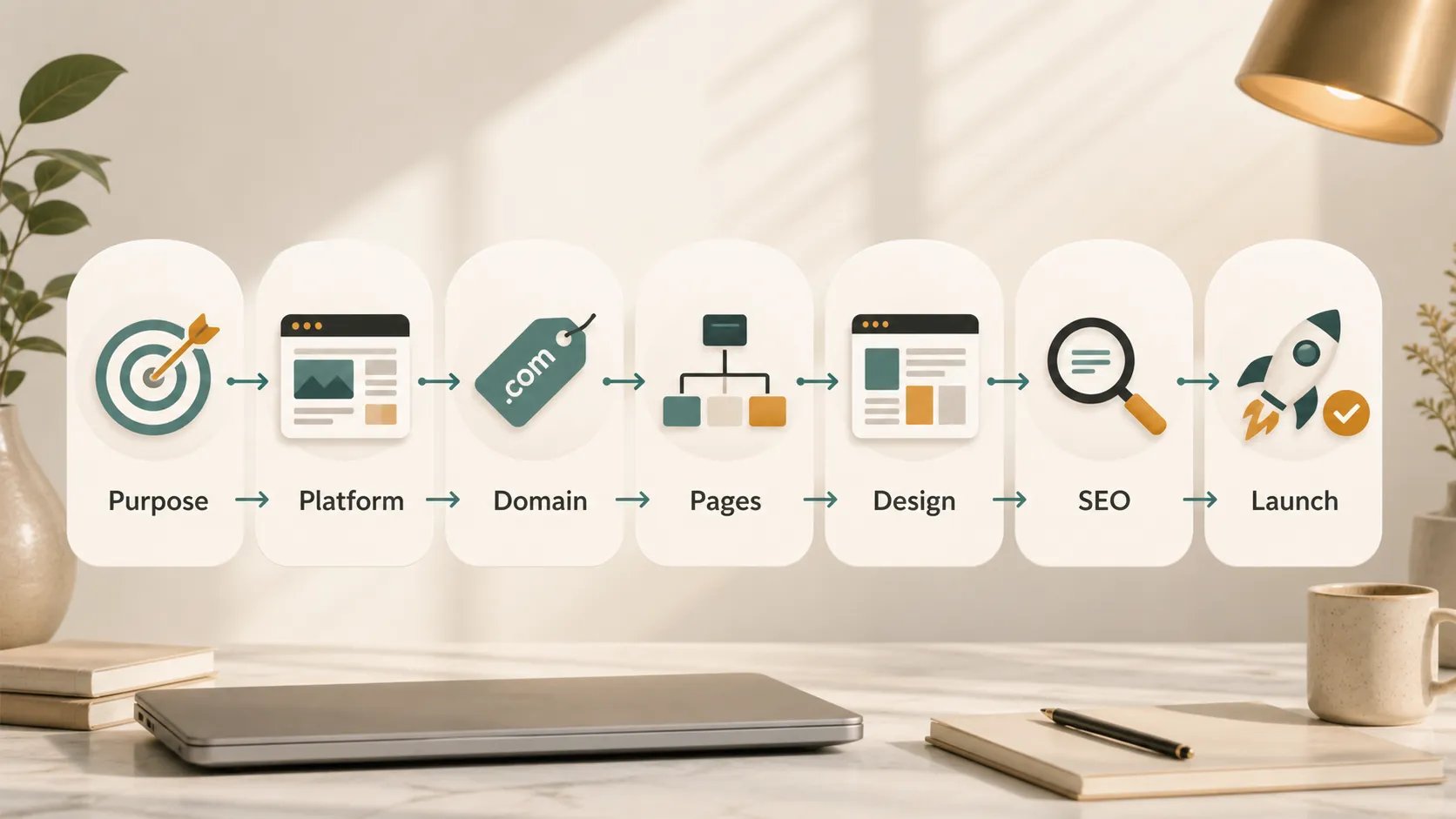
Start With The Purpose
Before choosing a template or buying a domain, decide what the website is supposed to do.
A personal portfolio needs to show your work clearly. A small business website needs to explain services, build trust, and help people contact you. A blog needs categories, readable posts, and a publishing rhythm. An online store needs product pages, payment options, shipping information, and support details.
Ask yourself:
- Who is this website for?
- What should visitors understand in the first 10 seconds?
- What action do I want them to take?
- What pages do I actually need at launch?
Do not start with every possible feature. Start with the smallest useful version.
Choose A Website Platform
Beginners usually have three main options: a website builder, WordPress, or a custom-coded site. A website builder is often easiest. WordPress gives more flexibility and can grow with you. A custom-coded site gives maximum control, but usually requires more time or technical help.
The official WordPress documentation is a good place to learn how WordPress works if you want a flexible content management system. If you are building a simple portfolio or landing page, a visual website builder may be enough.
| Website Type | Best For | Beginner Tip |
|---|---|---|
| Portfolio | Designers, writers, students, freelancers | Show your best work first |
| Business site | Services, local shops, consultants | Make contact details easy to find |
| Blog | Tutorials, opinions, guides, SEO content | Plan categories before publishing |
| Online store | Products, digital goods, merch | Keep product pages clear and trustworthy |
| Landing page | One offer, event, app, or campaign | Use one strong call to action |
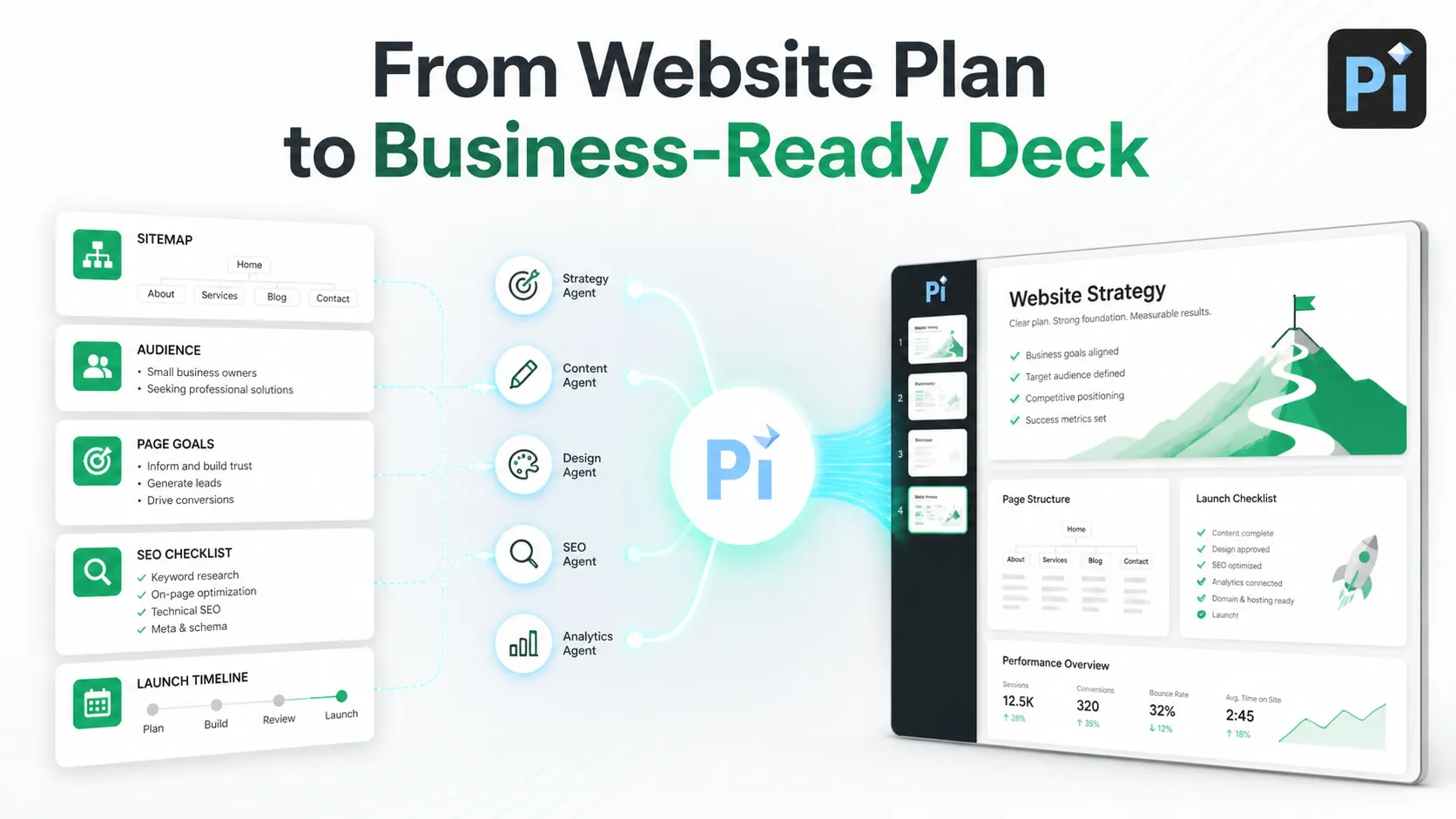
If you need to explain your website plan to a client, team, or founder, Pi can help turn the sitemap, page goals, audience notes, and launch checklist into a clean presentation with icons, charts, layouts, and AI-generated visuals.
Pick A Domain Name
Your domain is the address people type to find your website. Keep it short, easy to spell, and easy to say out loud. Avoid numbers, confusing hyphens, and words people commonly misspell.
A domain is not the same as a website. ICANN’s guide to domain names explains that a domain works like an address; you still need hosting or a platform where the actual site lives.
Good domain habits:
- Choose a name that can grow with the project.
- Use a familiar extension when possible, such as `.com`, `.org`, or a trusted country domain.
- Check that matching social handles are available if brand consistency matters.
- Avoid names too close to existing brands.
Plan The Core Pages
Most beginner websites do not need dozens of pages. Start with the essentials.
Your homepage should explain what the site is, who it helps, and what visitors should do next. Your About page should build trust. Your Contact page should make reaching you easy. If you offer services, add a Services page. If you sell products, add product pages. If you publish content, add a Blog or Resources page.
Write the page content before obsessing over design. A beautiful page with vague copy still feels weak. Use plain language. Say what you do, who it is for, why it matters, and what the next step is.
Design For Clarity
Good website design is not about filling every space. It is about helping visitors move through the page without confusion.
Use readable fonts, strong contrast, consistent spacing, and simple navigation. Make buttons look clickable. Keep important information near the top of the page. On mobile, check that text is large enough, menus work smoothly, and forms are easy to complete.
Accessibility matters from the beginning. The W3C introduction to web accessibility explains why websites should be usable by people with different abilities, devices, and situations. For beginners, start with practical basics: readable color contrast, descriptive link text, alt text for meaningful images, and forms with clear labels.
Add Basic SEO
SEO helps search engines understand your website and helps people find it. You do not need advanced tactics at launch, but you should set up the basics correctly.
Google’s SEO Starter Guide is a useful beginner reference. Google’s Search Essentials also explains the basic requirements for appearing in Google Search.
Start with these habits:
- Give every important page a clear title.
- Write a short meta description for each page.
- Use one H1 per page.
- Add descriptive H2 sections.
- Use simple, readable URLs.
- Link between related pages.
- Compress images before uploading them.
- Make sure the site works on mobile.
After launch, connect your site to Google Search Console. It helps you see whether Google can crawl your site, which search queries show your pages, and whether indexing problems exist.
Check Speed And Analytics
A slow website loses visitors. Before launch, test your main pages with PageSpeed Insights. It gives performance suggestions for mobile and desktop. You can also use Lighthouse in Chrome to audit performance, accessibility, SEO, and best practices.
Analytics help you understand what happens after people arrive. Google’s guide to Analytics for beginners explains how to set up measurement and read basic reports.
Do not obsess over every number at the start. Watch simple signals: where visitors come from, which pages they view, how long they stay, and which buttons or forms they use.
Launch With A Small Checklist
Before publishing, click through the site like a visitor.
Check that all links work. Test forms. Open the site on mobile. Read every page out loud to catch awkward wording. Make sure your contact information is correct. Add a favicon. Check image sizes. Review privacy, terms, or disclosure pages if your site collects data, uses ads, or includes affiliate links. If you recommend products for money, the FTC’s disclosure guidance is worth reading.
Launch does not mean the website is finished. It means the first useful version is live.
The Verdict
The best way to create a website as a beginner is to keep the first version focused. Decide the purpose, choose a platform, buy a clear domain, build only the pages you need, make the design readable, add basic SEO, and test before launch.
A website grows through updates. Start simple, publish confidently, and improve based on what visitors actually need.
Frequently Asked Questions (FAQ)
Q: Can I create a website without coding?
A: Yes. Website builders and WordPress themes let beginners create websites without writing code. Coding helps with customization, but it is not required for a basic site.
Q: How much does it cost to create a website?
A: It depends on the platform, domain, hosting, theme, and extra tools. A simple beginner website can start with a modest yearly budget, while custom business sites cost more.
Q: How long does it take to create a website?
A: A simple website can be built in a day or two if the content is ready. A polished business website may take one to several weeks.
Q: What pages should a beginner website have?
A: Most beginner websites need a homepage, About page, Contact page, and one main content page such as Services, Portfolio, Blog, or Products.


