presentation techniques
Good presentation techniques are not about acting like a perfect speaker. They are about helping people understand, care, and remember. A strong presentation gives the audience a path: where we are, why it matters, what changes, and what to do next. That applies whether you are pitching investors, teaching a class, sharing business results, training a team, or presenting a product idea.
The best presenters usually do two things well. They make the message simple enough to follow, and they design the experience so the audience does not have to work too hard. Structure, storytelling, slides, voice, pacing, and visuals all support the same job: make the idea land.
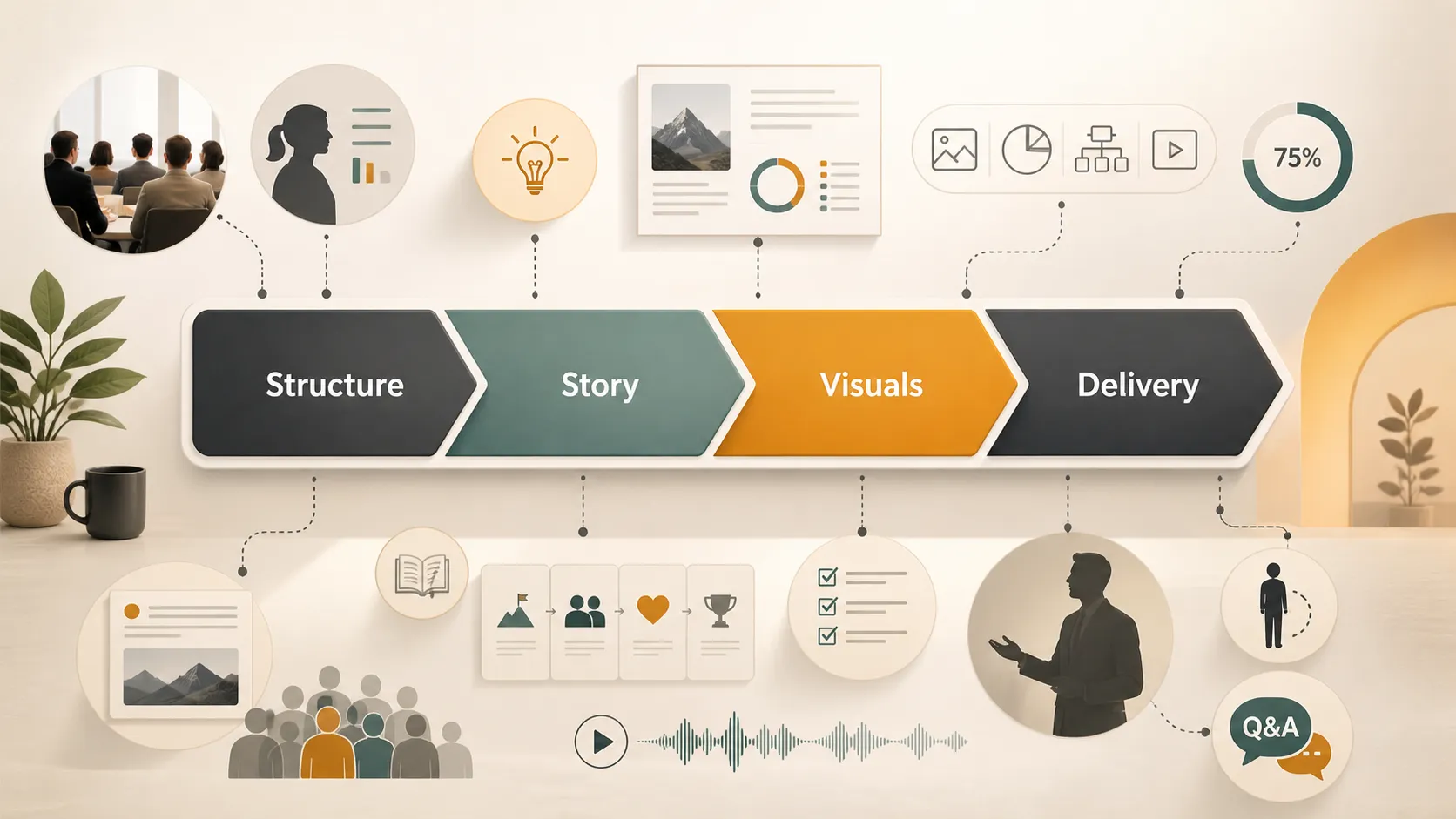
Start Before You Open The Deck
A lot of weak presentations fail before the first slide is made. The speaker opens PowerPoint too early and starts building pages before deciding what the audience actually needs.
Before making slides, ask a few sharper questions:
1. Who is in the room?
2. What do they already know?
3. What do they care about most?
4. What decision, belief, or action should happen after the presentation?
5. What can be removed without hurting the message?
A board wants risk, trade-offs, and business impact. A product team wants details and constraints. A classroom audience needs clarity and examples. A sales prospect wants proof that you understand their problem. Same topic, different story.
For delivery fundamentals, Toastmasters public speaking tips are useful because they focus on practical habits instead of vague confidence advice.
Open With A Reason To Listen
Many presentations begin too slowly. The speaker starts with background, definitions, company history, or a long agenda. By the time the real point arrives, the audience has already started checking email in spirit, if not literally.
A better opening gives people a reason to care right away.
Instead of saying:“Today we will introduce our reporting platform.”
Try:“Your team is losing two days a month to manual reporting. This presentation shows how to get that time back.”
The second version is stronger because it gives the audience a problem, a promise, and a reason to stay with you. A good opening does not need to be dramatic. It needs to be specific.
Build A Story, Not A Stack Of Slides
A weak presentation is just a sequence: update, update, update, next step. A stronger presentation has movement. It shows the current situation, the tension, the better future, and the path to get there.
Business storytelling works because people remember change better than information. Duarte’s guide to business storytelling is a helpful reference because it treats presentations as decision-making tools, not just containers for content.
| Part | Purpose | Example |
|---|---|---|
| Opening | Name the problem or opportunity | “Our onboarding process is slowing growth.” |
| Context | Explain why it matters now | “Volume doubled, but the workflow did not change.” |
| Insight | Show what you found | “Three handoffs create most delays.” |
| Recommendation | Say what should happen | “Automate intake and standardize review.” |
| Close | Make the ask clear | “Approve a 30-day pilot.” |
This structure also helps you cut. If a slide does not move the story forward, it probably does not belong.
Make Slides Do Less, But Better
Slides should support the speaker, not compete with them. If every slide is packed with paragraphs, the audience has to choose between reading and listening. Usually, reading wins.
Use fewer words and stronger visuals. Replace dense bullets with charts, diagrams, icons, timelines, comparison tables, process maps, screenshots, or simple before-and-after layouts. Microsoft’s guide to PowerPoint themes is useful because consistent colors and fonts make slides feel cleaner without endless manual formatting.
Visuals are not decoration. They are compression. A good diagram can explain in five seconds what a paragraph struggles to explain in thirty.
Use Your Voice Like A Highlighter
Good delivery does not mean speaking dramatically. It means being easy to follow. Slow down before important points. Pause after a key number. Change your tone when moving from problem to solution. Look at people instead of reading the slide.
Toastmasters’ advice on gestures and body language is useful here: movement should clarify your words, not distract from them. Stand still when making a serious point. Move when transitioning. Use your hands to show scale, contrast, or direction.
For virtual presentations, Stanford’s guide to effective virtual presentations recommends keeping things brief, simple, and well prepared. Online audiences have less patience for clutter, weak audio, and wandering structure.
Rehearse The Transitions
Reading through slides silently is not rehearsal. Say the words out loud. That is when you discover awkward transitions, crowded slides, and sections that take longer than expected.
A simple rehearsal routine works well:
1. Run the deck once without stopping.
2. Mark the slides where you stumble.
3. Cut anything that feels heavy.
4. Practice the opening and closing again.
5. Leave time for questions.
Do not memorize every sentence unless the moment demands it. A memorized talk can become stiff. It is often better to know your key points, your transitions, and your ending.
Common Presentation Mistakes
| Mistake | Why it hurts | Better approach |
|---|---|---|
| Too much text | Audience reads instead of listens | Use one main idea per slide |
| Weak opening | People do not know why to care | Start with a problem, result, or question |
| No clear structure | The talk feels like a pile of updates | Use a story arc |
| Overdesigned slides | Visual noise hides the message | Keep hierarchy and spacing clean |
| Reading every slide | Speaker becomes unnecessary | Use slides as support, not script |
| No clear close | Audience forgets the action | End with a decision, ask, or next step |
Most presentation problems do not come from lack of effort. They come from trying to say everything. The hard part is choosing what matters most.
Where Pi Can Help
This is where Pi can play a bigger role. Presentation techniques are not only about how you speak; they are also about how quickly you can turn rough thinking into a clear visual experience. Pi helps with that creation layer.
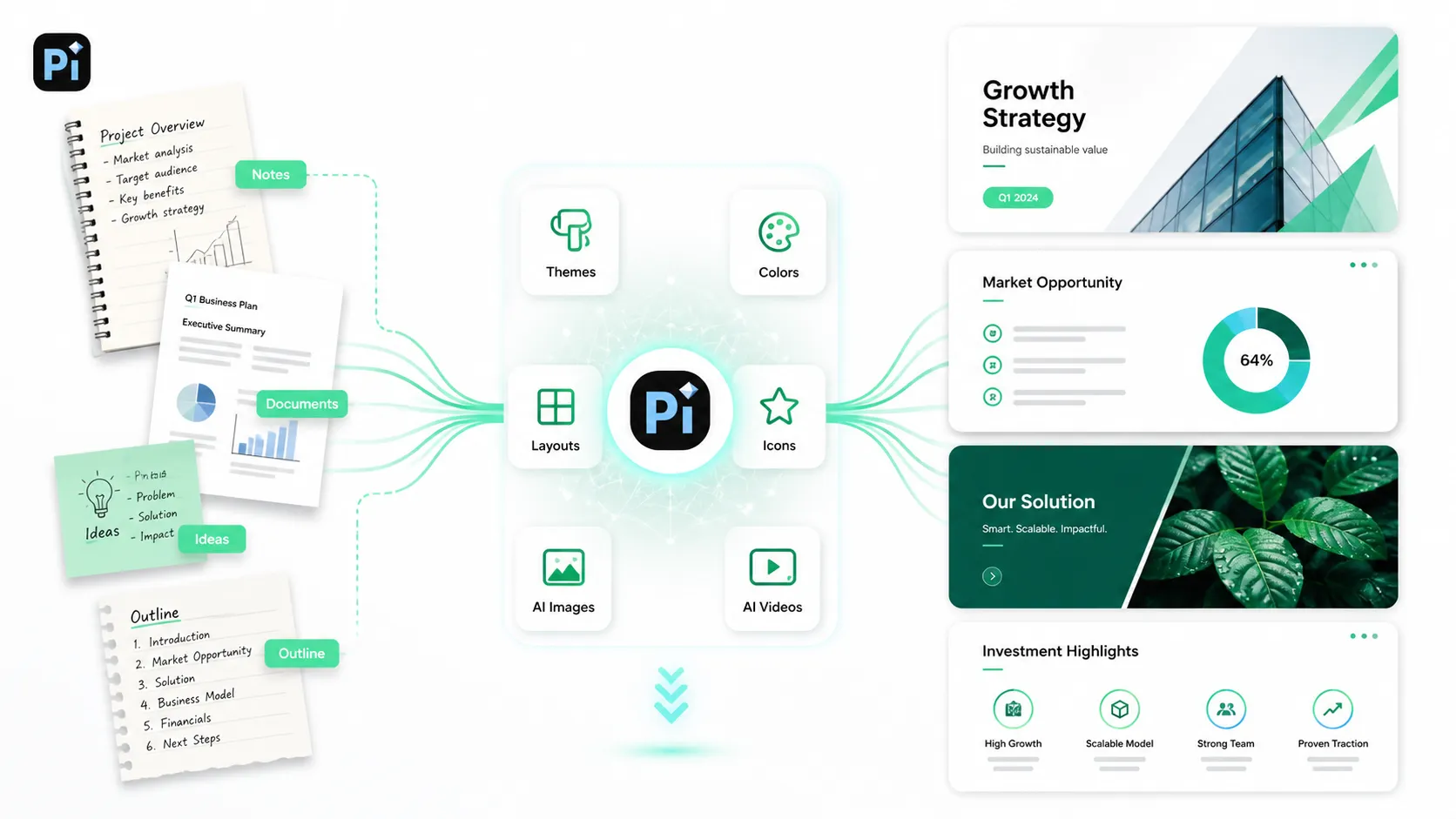
You can start with notes, a document, an article, a meeting outline, or a loose idea, then use Pi to shape it into a structured presentation. It can freely generate themes, customize styles and colors, use ready-made components, and apply automatic layout so the deck does not feel like a collection of mismatched slides.
Pi is also useful when the presentation needs stronger visuals. It includes an icon library, can help build visual sections and progress systems, and can call AI image generation when a slide needs a custom image. Pi can also generate videos and visual assets, which is helpful when a static slide is not enough. A product workflow, event concept, campaign idea, or abstract message can often land better with a short visual or video-style element than with another bullet list.
The point is not that Pi replaces presentation skill. You still need a message, judgment, and a real understanding of the audience. But Pi can remove a lot of the production drag: choosing layouts, matching colors, finding icons, generating images, creating videos, and turning content into something presentation-ready.
For teams that make decks often, that matters. A marketer can turn campaign notes into a pitch. A teacher can turn a lesson outline into a class deck. A founder can turn investor talking points into a sharper story. A manager can turn weekly updates into a clean visual report.
The Verdict
The best presentation techniques are practical, not mysterious. Know your audience. Start with the point. Tell a story. Keep slides visual. Rehearse out loud. Use pace, pauses, and body language with intention. End with a clear action.
A memorable presentation does not need to be flashy. It needs to feel considered. The audience should always know why they are listening, where the talk is going, and what they should remember when it is over.
PowerPoint and Google Slides can help you present. Pi can help you build the presentation faster and more visually, especially when you need themes, colors, components, icons, AI-generated images, AI-generated videos, and automatic layouts from rough source material.
Frequently Asked Questions (FAQ)
Q: What are the most important presentation techniques?
A: The most important presentation techniques are clear structure, audience focus, storytelling, simple slide design, confident delivery, controlled pacing, rehearsal, and a clear closing action.
Q: How do I make a presentation more engaging?
A: Make the presentation relevant to the audience, use stories and examples, ask focused questions, explain ideas visually, vary your pacing, and avoid overcrowded slides.
Q: Why is visual communication important in presentations?
A: Visual communication helps the audience understand and remember information faster. Diagrams, icons, images, videos, section colors, progress indicators, and clean layouts make complex ideas easier to follow.
Q: Can Pi help with presentation design?
A: Yes. Pi can generate themes, customize styles and colors, use ready-made components, apply automatic layouts, provide icons, generate AI images, create AI videos or visual assets, and turn rough notes or outlines into polished presentations.


