what is ppt
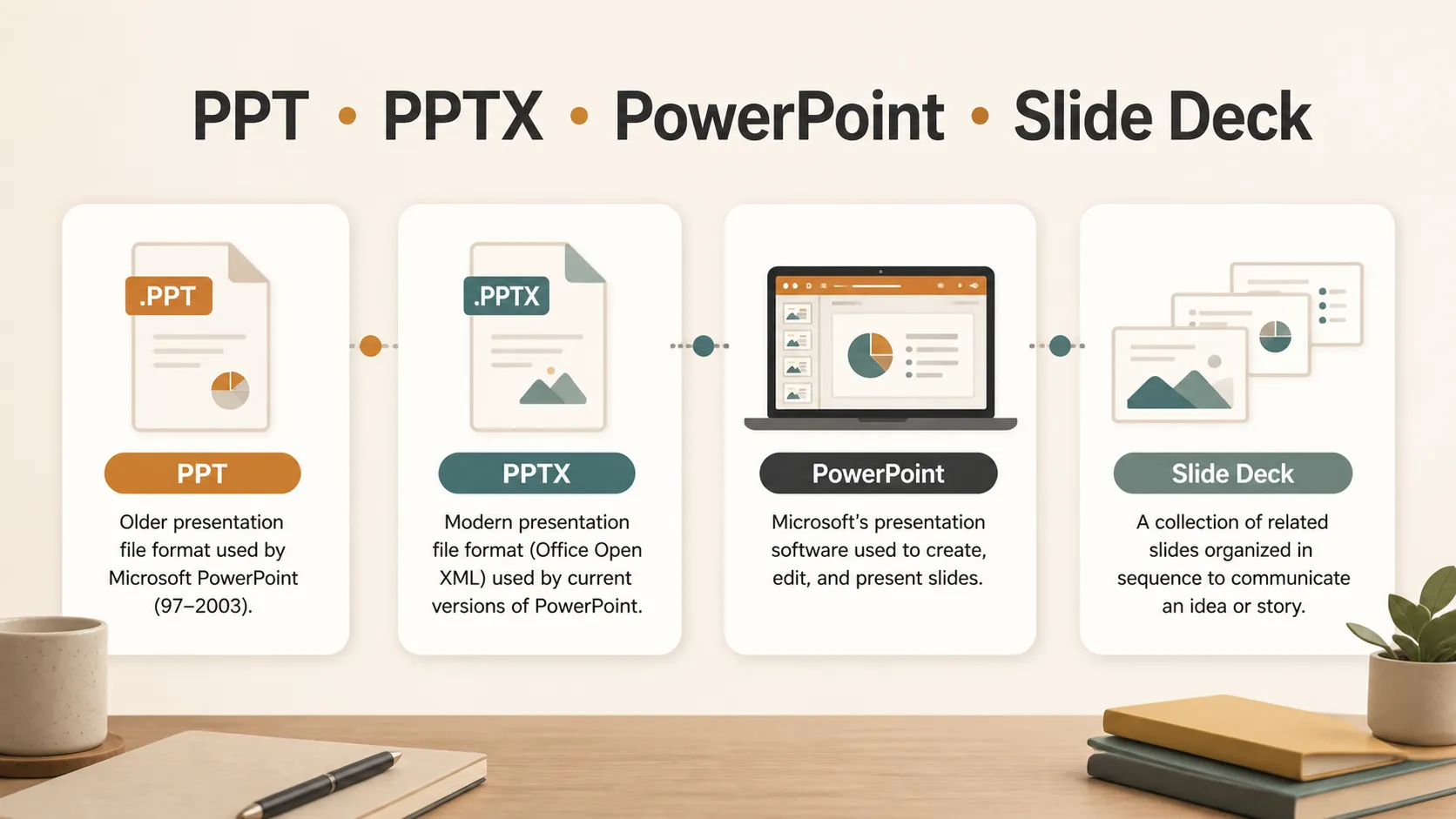
PPT is commonly used to mean a PowerPoint presentation. In everyday language, people may say "send me the PPT" when they mean a slide deck made in Microsoft PowerPoint. More technically, PPT also refers to the older .ppt file format used by PowerPoint 97-2003. Today, most newer PowerPoint files use .pptx, but the term PPT is still widely used as a general shortcut for presentation files.
Understanding what PPT means is useful because the word can describe several related things: a file format, a presentation, or the idea of slides used for teaching, reporting, pitching, or explaining information. The meaning usually depends on the context.
What does PPT stand for?
PPT is usually understood as short for PowerPoint or PowerPoint presentation. It is not always used in a strict technical way. In offices, schools, and online file sharing, people often use PPT to mean any slide presentation, even when the actual file is a .pptx, .pdf, Google Slides file, or Keynote file.
In file-format terms, .ppt is the older PowerPoint presentation format. Microsoft lists .ppt as the PowerPoint 97-2003 presentation format, while .pptx is the newer default PowerPoint presentation format used by modern versions of PowerPoint. You can check Microsoft's official PowerPoint file formats guide for details.
So when someone asks for a PPT, they may mean one of three things:
- A PowerPoint file
- A slide deck
- A presentation in general
If the exact format matters, ask whether they need .ppt, .pptx, or another format such as PDF.
PPT vs PPTX vs PowerPoint
The terms PPT, PPTX, and PowerPoint are closely related, but they are not exactly the same.
| Term | What it means | Best way to understand it |
|---|---|---|
| PPT | Often means a PowerPoint presentation; technically an older .ppt file format | A common shortcut people use for slide files |
| PPTX | The modern PowerPoint presentation file format | The standard format for most newer PowerPoint decks |
| PowerPoint | Microsoft's presentation software | The program used to create and edit slide decks |
| Slide deck | A collection of presentation slides | A general term that can apply to PowerPoint, Google Slides, Keynote, or PDF slides |
If you are sending files for editing, .pptx is usually the safer modern choice. If you are sending a final version that should not change, PDF may be better. If someone specifically asks for PPT, it is worth confirming whether they mean a PowerPoint file in general or the older .ppt format.
What is a PPT file used for?
A PPT file is used to store presentation slides. Each slide can include text, images, charts, tables, diagrams, shapes, audio, video, speaker notes, and animations. The purpose is to organize information visually so it can be presented to an audience.
Common uses include:
- Business meetings and strategy reviews
- Sales pitches and client proposals
- School projects and lectures
- Training sessions and onboarding materials
- Conference talks and webinars
- Research reports and data summaries
- Product introductions and investor updates
A good PPT does more than collect information. It helps the audience follow a message. The slides should support the speaker, not overload the audience with too much text.
When do you need a PPT?
You may need a PPT when information has to be explained in a structured, visual way. A document is better for detailed reading, but a presentation is better for guiding a conversation.
For example, a manager may use a PPT to summarize quarterly results. A teacher may use one to explain a lesson. A founder may use a pitch deck to introduce a business idea. A student may use slides to present research findings.
PPTs are especially useful when you need to:
- Break information into clear sections
- Combine words and visuals
- Present data to a group
- Explain a process
- Compare options
- Support a live talk
- Share a summary after a meeting
The format works best when each slide has one clear idea.
How do you open a PPT file?
The most direct way to open a PPT file is with Microsoft PowerPoint. Depending on the file and your device, you may also be able to open it with PowerPoint for the web, Google Slides, Apple Keynote, LibreOffice Impress, or another compatible presentation tool.
PowerPoint for the web can view older .ppt files, but Microsoft explains that older .ppt and .pps files may need to be saved as .pptx before they can be edited in the browser. You can learn more in Microsoft's guide to PowerPoint for the web file support.
Google Slides can also work with presentation files. Google's guide to creating or importing presentations in Slides explains how users can import and convert existing presentation files. Google Drive also supports working with Microsoft Office files, including Office editing and conversion workflows.
If you use Apple Keynote, Apple explains how to export Keynote presentations to PowerPoint or other formats. Keynote can also open and export PowerPoint-compatible files in many common workflows.
If you only need to view the file, you can also ask the sender for a PDF version. Adobe's overview of PDF files explains why PDF is commonly used for reliable document exchange across devices and operating systems.
How is PPT different from a slide deck?
A slide deck is the broader term. It simply means a set of slides arranged in order. A PPT is one kind of slide deck, usually associated with Microsoft PowerPoint.
This distinction matters because not every slide deck is a PPT file. A presentation may be created in Google Slides, Keynote, Canva, or another tool. It may also be exported as a PDF. People may still casually call it a PPT because PowerPoint has become a common shorthand for presentation slides.
In professional settings, "PPT" often means "the editable presentation file." "Deck" often means the presentation as a whole, regardless of software.
Common PPT file types
PowerPoint supports several file formats, but these are the ones most users see:
| File type | Meaning | Common use |
|---|---|---|
| .ppt | Older PowerPoint presentation format | Legacy files from older PowerPoint versions |
| .pptx | Modern PowerPoint presentation format | Standard editable PowerPoint presentations |
| .ppsx | PowerPoint show format | Opens directly in slideshow mode |
| Portable document format | Sharing a final, non-editable version | |
| .odp | OpenDocument presentation format | Compatibility with some non-Microsoft tools |
For most work today, .pptx is the format you will see most often. The older .ppt format still appears in archived files, older templates, or documents shared by people using legacy systems.
The .odp format is also worth knowing. Microsoft explains how to open or save OpenDocument Presentation files, and OASIS maintains the OpenDocument Format standard. LibreOffice also documents how it can open Microsoft PowerPoint files in Impress.
Tips for working with PPT files
Before sending a PPT file, check whether the recipient needs to edit it or only view it. Send .pptx if editing is needed. Send PDF if the layout should stay fixed.
Use common fonts if the file will be opened on different devices. Special fonts may be replaced if the recipient does not have them installed.
Keep file size in mind. Large images, embedded videos, and high-resolution graphics can make a PPT hard to email or slow to open.
Review animations before presenting. Some effects may behave differently when a file is opened in another tool.
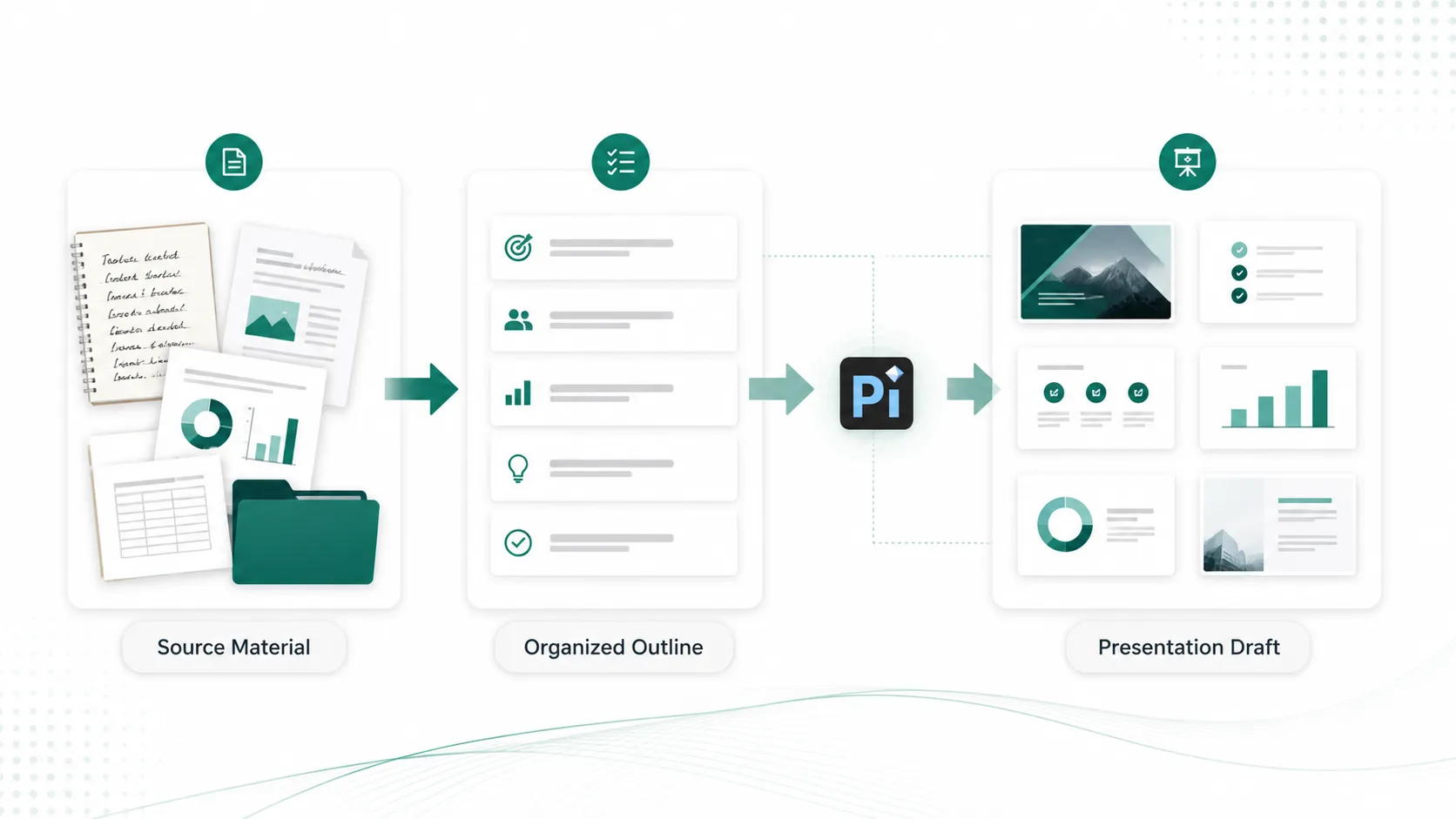
If you are starting with notes or source material instead of an existing PPT file, tools like Pi can help you organize that material into a presentation draft before you review and edit it.
The Verdict
PPT usually means a PowerPoint presentation, but it can also refer specifically to the older .ppt file format. The newer .pptx format is now more common, while PowerPoint is the software used to create and edit these files.
In simple terms, PPT is a practical shorthand for slide-based presentations. Whether you are preparing a class report, business update, training session, or pitch, the goal is the same: arrange information into clear slides that help an audience understand the message.
Frequently Asked Questions (FAQ)
Q:What does PPT mean?
A:PPT usually means a PowerPoint presentation. Technically, .ppt is also the older PowerPoint file format used by PowerPoint 97-2003.
Q:Is PPT the same as PowerPoint?
A:Not exactly. PowerPoint is the software. PPT is often used to describe a PowerPoint file or presentation.
Q:What is the difference between PPT and PPTX?
A:PPT is the older PowerPoint file format, while PPTX is the newer default format used by modern versions of PowerPoint.
Q:Can I open a PPT without PowerPoint?
A:Yes. Some tools, including PowerPoint for the web, Google Slides, Keynote, and LibreOffice Impress, may open PPT files, though formatting can vary.


