Password Manager Vault Security Dashboard
Approach password manager vault security dashboard with an editorial design-led point of view. A secure password manager shows account health scores, passkeys, shared vaults, breach alerts and recovery settings in a restrained interface.
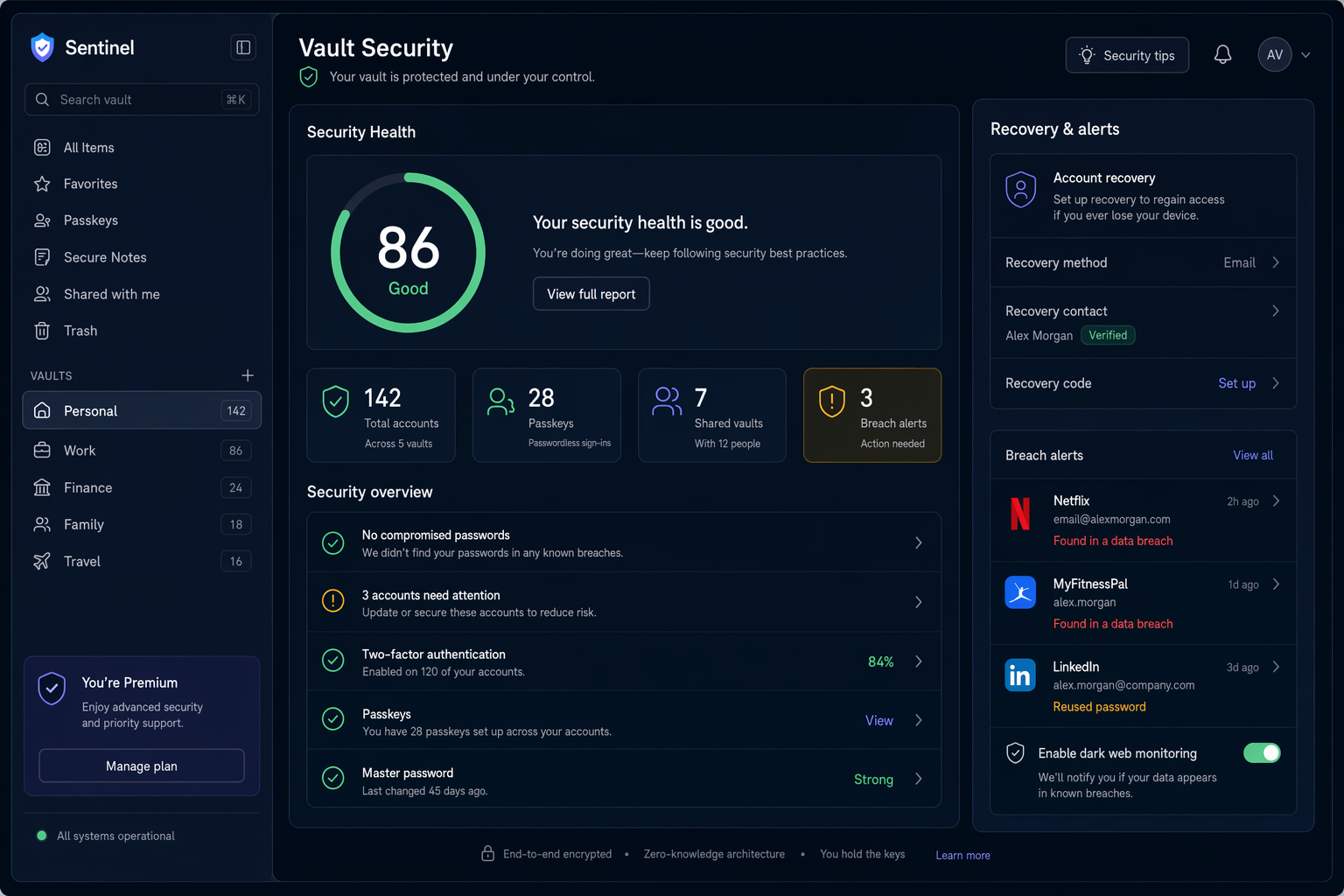
Approach password manager vault security dashboard with an editorial design-led point of view. A secure password manager shows account health scores, passkeys, shared vaults, breach alerts and recovery settings in a restrained interface. Visual language: Use a restrained security interface with exact labels, clear trust cues and no exaggerated hacker imagery. Organize the scene with panoramic visual flow; place the vault list on the left, security health dashboard in the center, and recovery panel on the right. Tonal direction: Near-black, indigo, mint, white and amber. Present the interface as a credible, production-ready digital product with a clear hierarchy, consistent spacing, accessible contrast and legible microcopy. Keep every label readable and every component aligned; avoid gibberish text, overlapping panels, impossible devices and decorative clutter.
Try nowSimilar prompts