Customer Support Command Web Platform Layout
Customer Support Command combines support dashboard and customer service, shaping service experience ideas for customer experience and SaaS demonstrations.
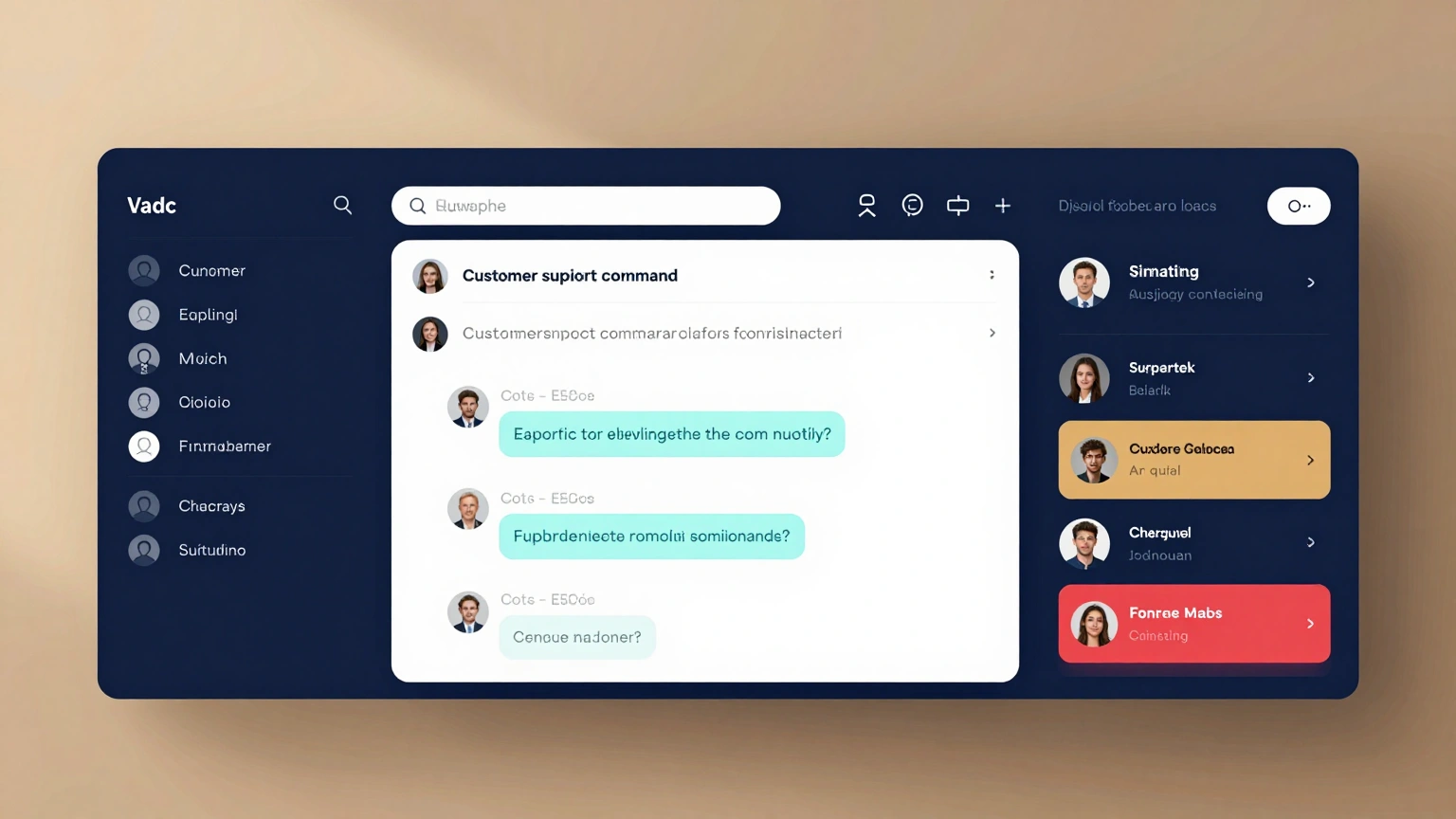
Use customer support command as the anchor for a polished visual story. A support workspace combines live queue, conversation history, knowledge search, customer sentiment, and escalation controls. Keep customer support command concise and economical: prioritize silhouette, major color blocks, one lighting condition, and an obvious focal subject. Campaign aesthetic for customer support command: create a fast enterprise interface with realistic messages, visible priority, and clear agent workflow. Within a long visual field, organize customer support command this way: place the conversation in the center, queue on the left, and customer context and actions on the right. Atmospheric color for customer support command: deep navy, white, cyan, amber, and restrained red. Ground customer support command in believable material, light, and perspective choices appropriate to customer service dashboard UI. Review customer support command for gibberish copy, misaligned components, contradictory states, impossible devices, or decorative noise; correct them while preserving intentional asymmetry.
Try now