Digital Accessibility Keyboard Workplace Tech Inclusive Input Diagram
Approach Digital Accessibility Keyboard Workplace Tech Inclusive Input Diagram as a practical workplace tech prompt, highlighting large keys, shortcut overlays, tactile markers, adjustable angle stand, and software profile cards with a memorable inclusive input diagram.
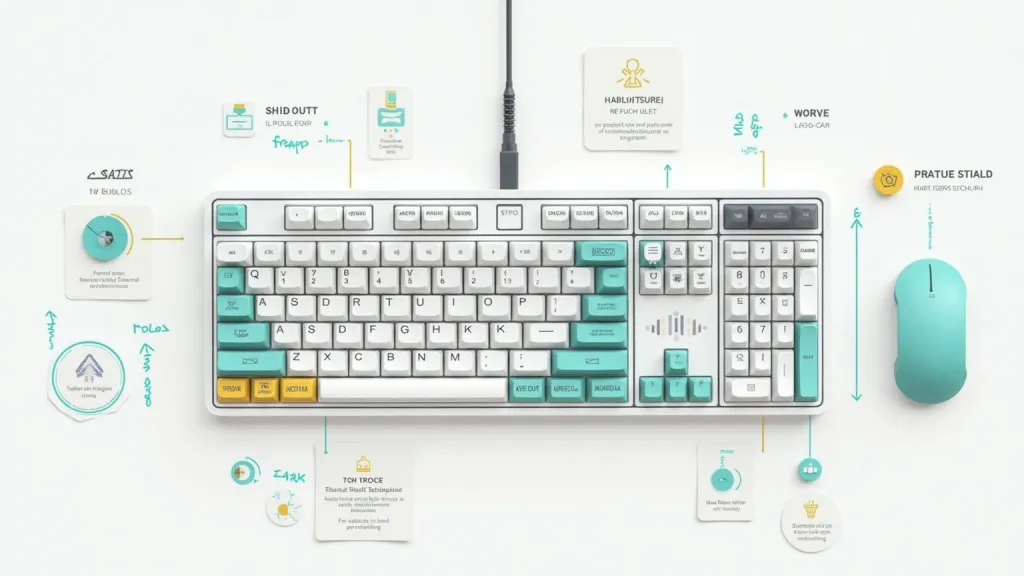
Use inclusive interface illustration to create Digital Accessibility Keyboard Workplace Tech Inclusive Input Diagram for assistive technology product explainer. Build the visual language around inclusive interface illustration, choosing white, cobalt, mint, charcoal, and warm yellow for a distinctive subject rather than a generic scene. Place large keys, shortcut overlays, tactile markers, adjustable angle stand, and software profile cards inside front product diagram with enlarged key details, user settings panels, and clear adaptation zones, then add keycap shadows, tactile dots, profile chips, angle guides, and readable interface symbols to support assistive technology product explainer. Make the design useful for the stated workplace tech context with clear hierarchy, polished rendering, readable shapes, and no duplicate props, broken perspective, random logo-like marks, or noisy filler.
Thử ngay bây giờCâu lệnh tương tự