Slideshow Ideas for School, Work, and Creative Projects
Finding a slideshow idea can be harder than making the slides. A good topic needs a clear audience, a focused message, and enough visual material to become a real deck.
Whether you are preparing a school project, work update, creative story, or team workshop, the goal is simple: choose an idea people can follow and remember.
What Makes a Good Slideshow Idea?
A strong slideshow idea gives you more than a topic. It gives you a direction. "Climate change" is a topic; "How rising temperatures affect local food systems" is a presentation-ready idea. "Marketing" is broad; "Three ways our product launch can reach first-time buyers" is focused.
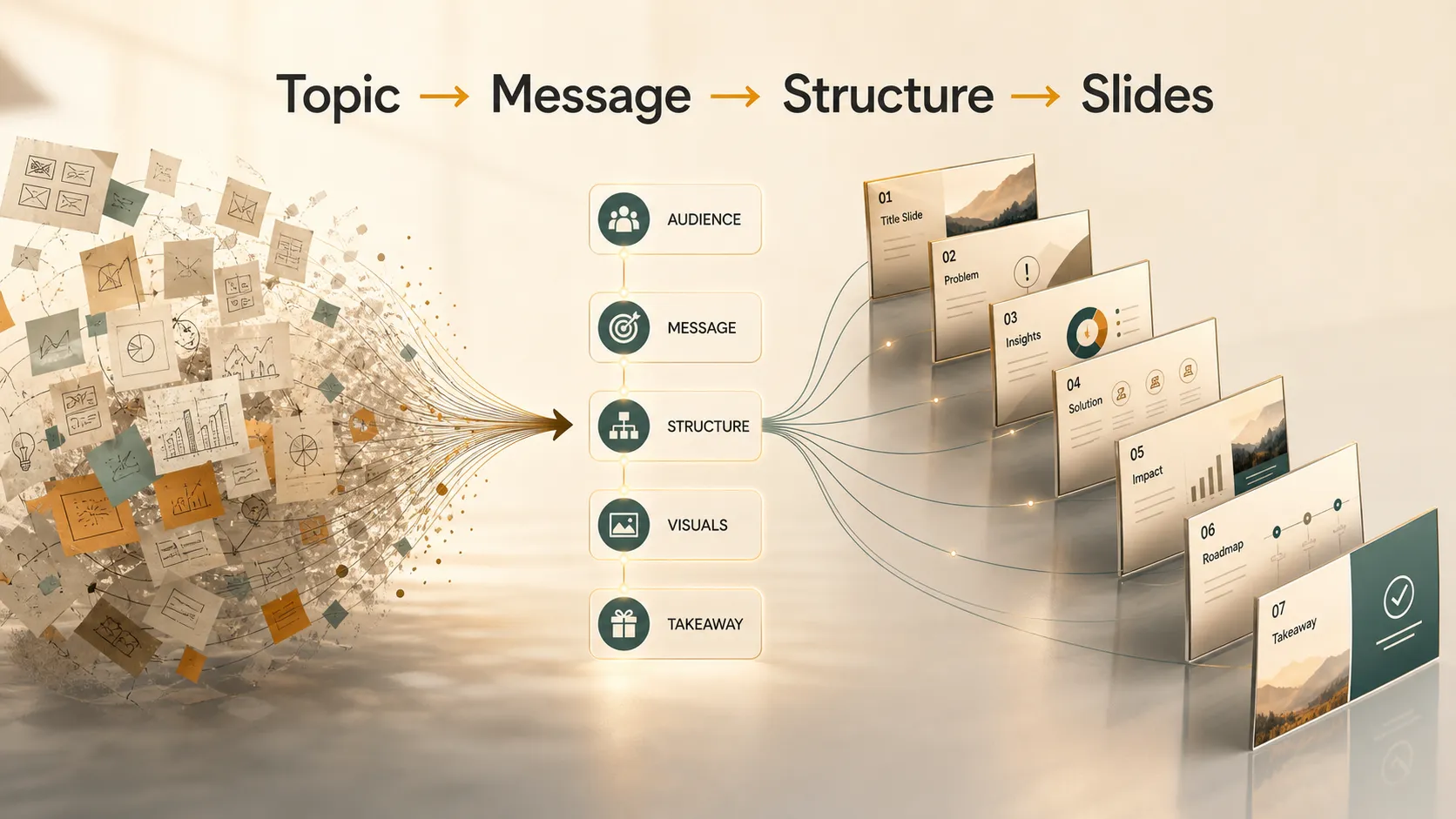
A good slideshow idea usually has five qualities:
- A clear audience, such as classmates, executives, customers, or workshop participants
- One main message the audience should remember
- A simple beginning, middle, and end
- Visual material, such as timelines, diagrams, comparisons, charts, or photos
- Room for storytelling, analysis, or a practical recommendation
Harvard DCE's public speaking advice emphasizes knowing the audience and organizing material clearly before speaking. HBR's presentation guidance also shows why a strong presentation needs more than information; it needs a message people can remember.
If an idea does not naturally suggest a structure, it may need a sharper angle. The more specific the angle, the easier it becomes to choose slides, visuals, and supporting points.
Easy slideshow ideas by category
Use these slideshow ideas as starting points, then narrow them for your audience, time limit, and purpose.
| Category | Slideshow ideas |
|---|---|
| School projects | A historical event timeline; a science process; a book theme analysis; a career research presentation |
| Work presentations | A quarterly update; a customer case study; a product launch plan; a team strategy briefing |
| Creative topics | A visual essay; a travel story; a future trend prediction; a design moodboard |
| Team workshops | A project retrospective; an onboarding walkthrough; a brainstorming summary; a process explainer |
| Personal presentations | A learning journey; a hobby introduction; a community issue; a personal growth story |
This category-first approach keeps the topic practical. Instead of choosing a random subject, you start with the situation, then choose an idea that fits the audience.
Slideshow Ideas for School Projects
School slideshow ideas work best when they help students explain, compare, or investigate something. A strong school deck should have a clear question, a simple structure, and enough examples to support the topic.
A historical timeline is a reliable choice because it naturally moves from context to key events to long-term impact. Science explainers also work well because they can use diagrams and real-world examples to show how something works.
Other school-friendly ideas include:
- A book theme analysis focused on identity, courage, power, or friendship
- A career research presentation covering skills, education, and future demand
- A local community issue with causes, effects, and possible solutions
- A biography presentation built around turning points, obstacles, and influence
Slideshow ideas for work and business presentations
Workplace slideshow ideas need more than attractive slides. They need business logic. A quarterly update, for example, should not simply list activities. It should explain what changed, why it changed, what the data means, and what the team should do next.
Market research summaries can be built around a clear question: what is happening in the market, and how should the company respond? Product launch plans can move from customer problem to positioning, timeline, channels, risks, and success metrics.
Sales enablement decks can help teams explain customer pain points, product value, objections, and proof points in a consistent way. Customer case studies are another strong option. The structure can follow the customer's challenge, the solution, measurable results, and lessons for similar prospects.
Team strategy briefings can clarify priorities, trade-offs, owners, and next steps. In each case, the best work presentation ideas are not just informative. They help the audience make a decision or take action.
Creative presentation topics for storytelling
Creative presentation topics give you more freedom, but they still need a clear thread. A visual essay, for example, should not feel like a random gallery. Each slide should add a new layer to the theme.
A few strong creative directions:
- Turn a travel story into a lesson, such as "What Tokyo Taught Me About Design, Order, and Contrast."
- Build a personal growth story around a before moment, a turning point, a challenge, and a reflection.
- Explore a future trend by showing what classrooms, offices, cities, or entertainment might look like in ten years.
- Create a design moodboard that explains the concept, color direction, typography style, references, and intended feeling.
Creative decks work best when the audience can follow the emotional or visual progression from slide to slide.
Slide Deck Ideas for Team Meetings and Workshops
Team settings often need slideshow ideas that support collaboration. A project retrospective can review what happened, what worked, what was difficult, and what the team should change next time. This format encourages reflection without becoming a blame session.
Brainstorming summaries can turn messy discussion into a useful deck. Group ideas by theme, show patterns, and highlight the strongest options for follow-up. Onboarding walkthroughs can help new employees understand the company, team workflows, tools, decision rules, and key contacts.
Process explainers are useful when a team needs alignment. A deck can show the current process, pain points, proposed improvements, and responsibilities. Team wins presentations can improve morale by showing outcomes, customer feedback, lessons learned, and appreciation. Decision-making decks are helpful when a group must compare options. The best structure is criteria, options, trade-offs, recommendation, and next steps.
If the deck will be shared with a team, accessibility matters too. Microsoft recommends readable text, meaningful slide titles, alt text, and sufficient contrast in its PowerPoint accessibility guide.
How to turn a slideshow idea into a real deck
Once you choose an idea, narrow it into one sentence. Ask: "What should the audience understand, believe, or do after this presentation?" That answer becomes your main message.
Then outline five to eight key slides. A simple structure can include:
1. Title
2. Context
3. Problem or question
4. Evidence or examples
5. Recommendation or main lesson
6. Closing takeaway
Next, choose a visual style. NN/g's guide to visual hierarchy is useful because good slides should guide attention, not simply display content. Purdue Global's guide to creating effective PowerPoint presentations also emphasizes audience, purpose, organization, and readable slide design.
Match the visual style to the topic. A science explainer may need diagrams and labels. A business update may need charts and concise headlines. A personal story may rely on photography and pacing. A workshop deck may need frameworks, grouped ideas, and clear next-step slides.
Finally, refine the ending. Do not stop with "thank you" if the audience needs a takeaway. End with a lesson, recommendation, question, or action.
Using Pi to build a clearer slideshow
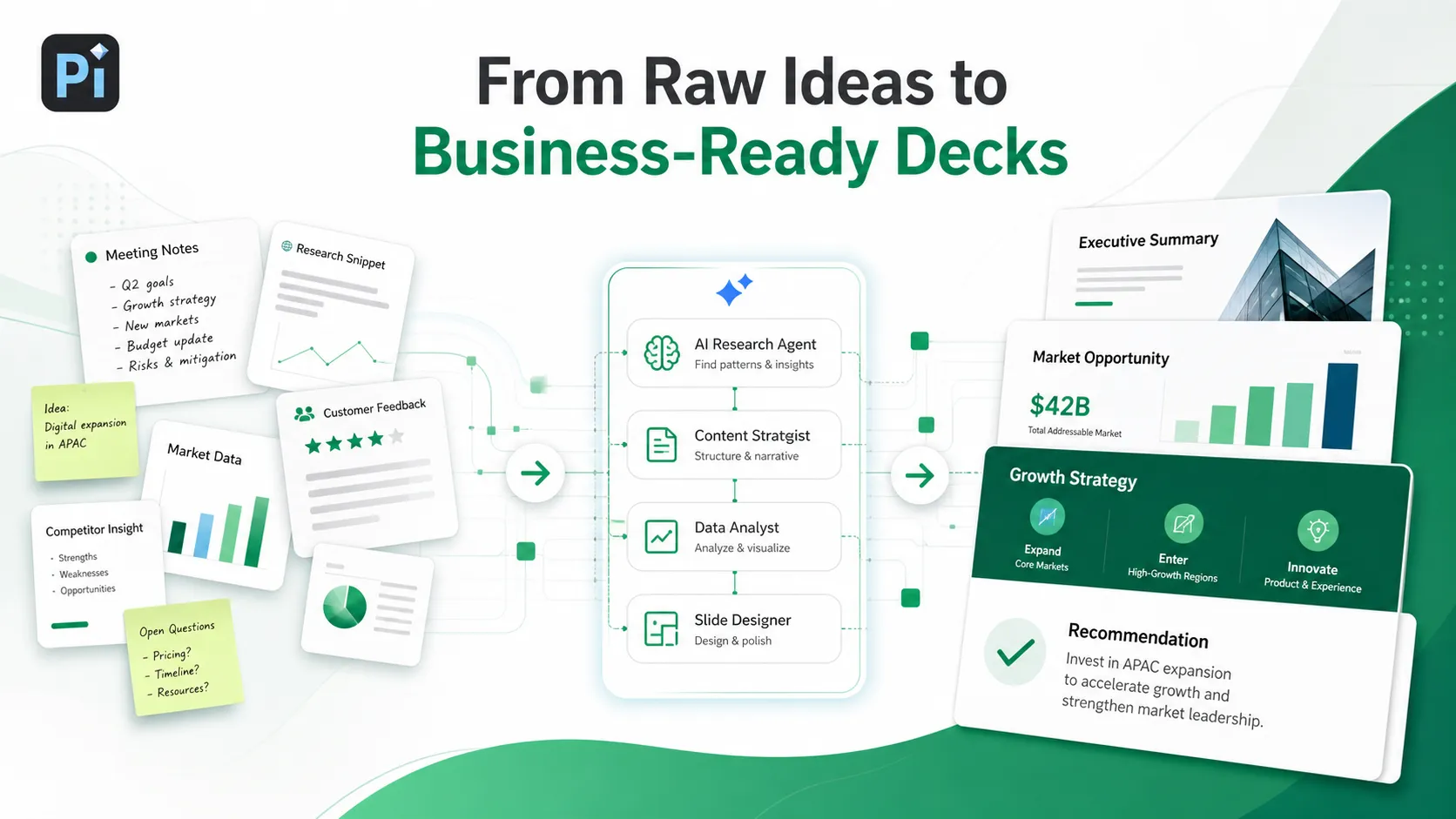
Pi can help turn a slideshow idea into a structured, polished deck. This is useful when you have raw notes, research, meeting transcripts, or a broad topic but are not sure how to shape it into slides.
Pi is especially helpful for business presentations, client proposals, strategy updates, product stories, and workshop decks where the structure matters as much as the visuals. It can help organize the narrative around the audience, the main point, the evidence, and the next step.
For example, instead of starting with "make a slideshow about customer feedback," you can shape the request more clearly:
Create a 7-slide presentation about customer feedback trends. Include the main problem, three patterns, one customer example, a recommendation, and a final takeaway.After Pi creates a draft, review the message, data, examples, and slide order. The goal is not to skip judgment. The goal is to move from a rough idea to a clearer deck faster.
The Verdict
A strong slideshow idea is focused, visual, and audience-aware. It should be specific enough to structure, simple enough to explain, and meaningful enough for the audience to remember.
Whether you are building a school project, business update, creative story, or workshop deck, start with the purpose. Then choose a topic with a clear message, a natural flow, and visuals that support the point instead of distracting from it.
Frequently Asked Questions (FAQ)
Q: What are some easy slideshow ideas for beginners?
A: Easy slideshow ideas include a biography, book theme analysis, career research presentation, travel story, product overview, or simple how-to explainer. Choose a topic with a clear sequence so the deck is easier to structure.
Q: How many slides should a slideshow have?
A: Most short presentations work well with five to eight slides. Longer business or school presentations may need ten to fifteen slides, depending on depth. The right number depends on time, audience, and how much evidence you need.
Q: What are good creative presentation topics?
A: Strong creative presentation topics include visual essays, personal growth stories, future trend predictions, cultural comparisons, design moodboards, and travel reflections. The key is to use a clear narrative rather than a random collection of images.
Q: How can I make a slideshow more engaging?
A: Make the main message clear, vary the slide types, use visuals with purpose, and build a logical flow. Avoid overcrowding slides with text. A more engaging slideshow usually feels like a guided story, not a document split into pages.


