Best MCP Servers for Claude & Pi (2026 Guide)
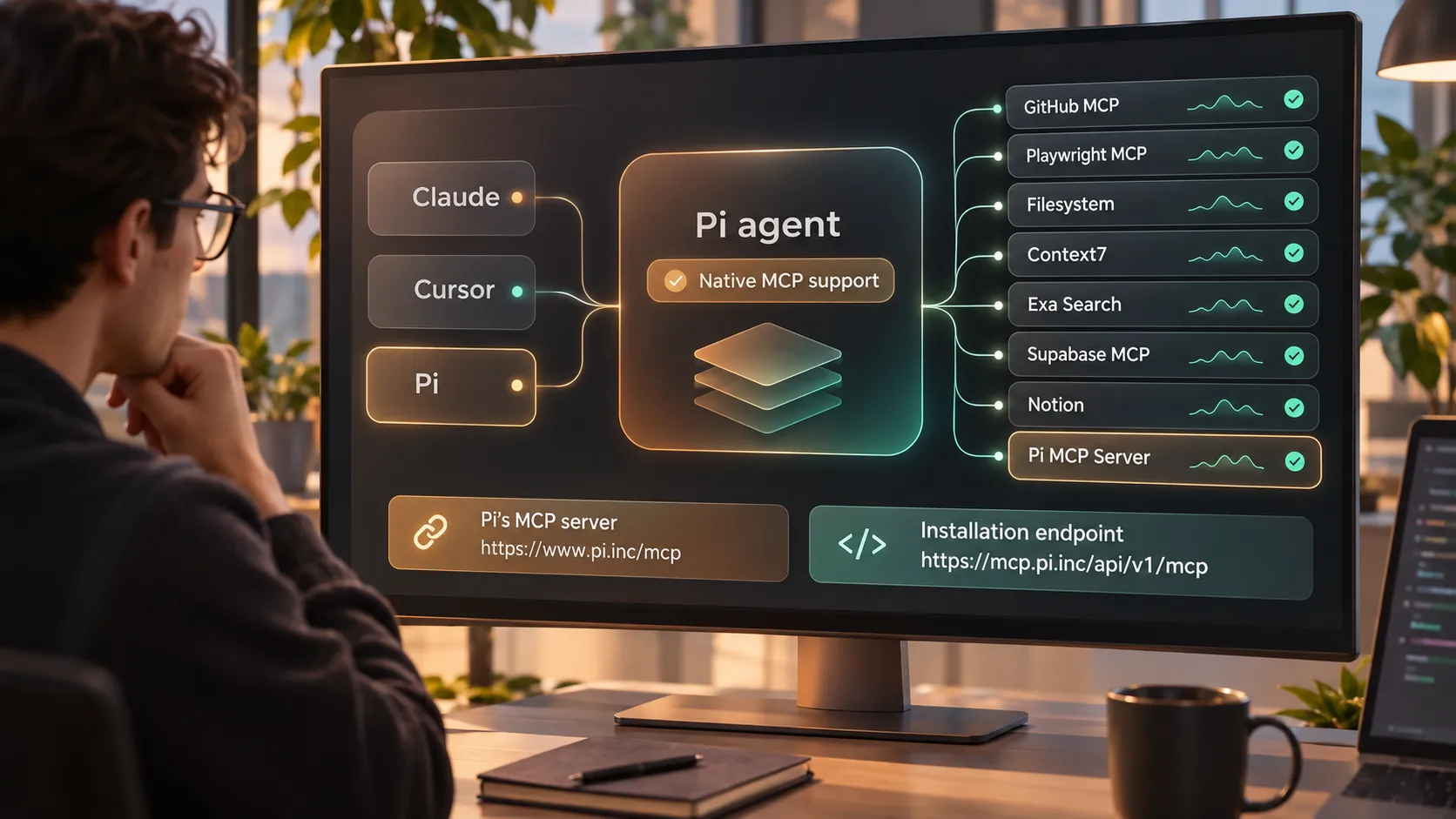
AI coding assistants become far more useful when they can work with the same tools, repositories, documentation, and services that developers use every day. That is the promise behind the growing Model Context Protocol ecosystem across Claude Code, Cursor, Codex, and Pi agent.
However, adding every available integration is rarely the right answer. The best MCP servers give an assistant focused, permissioned access to the systems needed for a real workflow—without creating excessive security exposure, configuration overhead, or prompt context bloat.
This guide covers the best MCP servers for development, research, databases, and team services in 2026. It also explains how to configure a practical MCP stack for Claude Code MCP, Pi agent MCP workflows, and other compatible clients.
What Is Model Context Protocol and Why Do MCP Servers Matter?
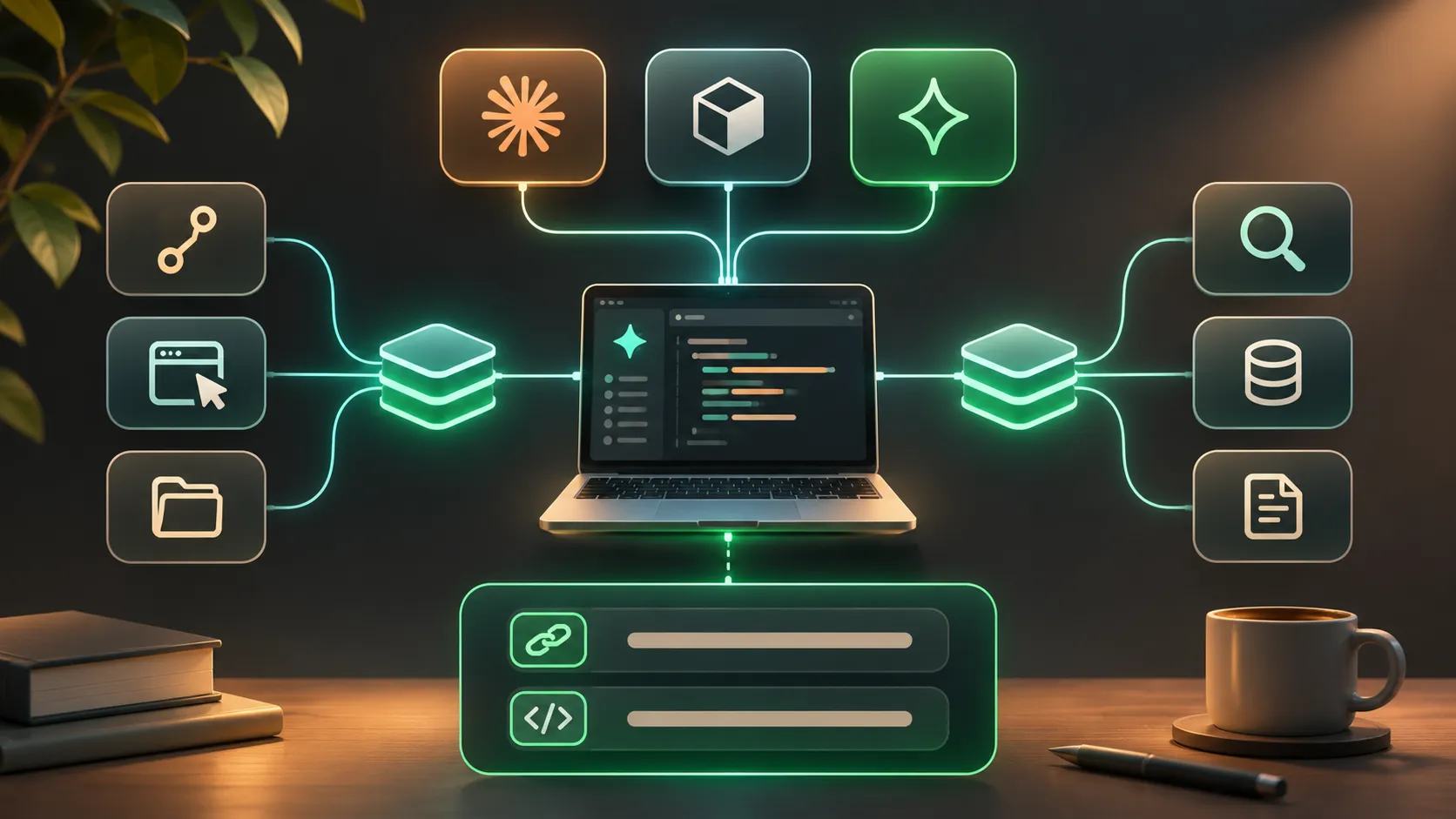
Model Context Protocol, or MCP, is a standard that lets AI assistants discover and use approved tools and data sources in a consistent way. Instead of relying only on information already present in the model’s context window, an MCP-enabled assistant can request relevant information or perform controlled actions through connected servers.
In practical terms, there are three moving parts:
- MCP client: The AI application, such as Claude Code, Cursor, Codex, or Pi, that connects to tools.
- MCP server: The integration layer that exposes specific tools, resources, or prompts to the client.
- Underlying service: The system the server connects to, such as GitHub, a local filesystem, a browser, Supabase, Notion, or a search provider.
For example, a GitHub MCP server may let an assistant inspect issues, review pull requests, or retrieve repository context. A Playwright MCP server can help it interact with a browser for test validation. A documentation server can retrieve current framework references rather than asking the model to rely on potentially outdated knowledge.
The result is a more capable assistant, but only when the available tools match the task and have appropriate restrictions.
How to Choose the Best MCP Servers
The best MCP servers are not necessarily the most feature-rich model context protocol servers. They are the servers that reduce friction in a specific workflow while keeping permissions and context costs under control.
Before installing a server, assess its relevance, trust model, authentication requirements, maintenance status, and operating scope. A local filesystem server may be useful for one active project, for example, but unnecessary or risky if it can reach every directory on a workstation.
Consider these selection criteria:
- Workflow fit: Choose tools that support recurring work, not occasional novelty.
- Permission scope: Prefer read-only access, limited repositories, test environments, and scoped database roles where possible.
- Execution mode: Understand whether the server runs locally, connects remotely, or can take actions on external services.
- Context efficiency: Favor tools that return concise, task-specific results instead of large files, full logs, or unfiltered search pages.
- Maintenance and provenance: Review the server’s publisher, documentation, update cadence, and authentication behavior before adopting it.
Teams should also distinguish between official MCP servers published by a service provider and community-maintained connectors. Both can be useful, but they deserve different levels of review before receiving access to production systems or confidential data.
Best MCP Servers for Developer Workflows
Developer and automation servers are often the highest-value starting point for AI coding assistants. They help agents understand a codebase, work with version control, and validate changes in realistic environments.
GitHub MCP is a strong option for teams that manage planning and code review in GitHub. Depending on the configured tools and permissions, it can expose repository issues, pull requests, discussions, branches, and selected code context. It fits workflows such as triaging bugs, summarizing change requests, preparing pull request descriptions, and connecting implementation work to issue requirements.
The trade-off is access sensitivity. Repository metadata, private code, and issue threads can contain confidential information. Limit access to approved organizations and repositories, and avoid granting write permissions unless an agent genuinely needs to create or update resources.
Playwright MCP is useful when an AI assistant needs browser-level evidence rather than assumptions about the interface. It can support browser automation tasks such as checking page behavior, reproducing a UI flow, collecting test results, and validating that a change behaves correctly in a controlled environment.
This server is particularly valuable for front-end teams, but it should run against development or staging systems whenever possible. Browser tools can encounter authenticated sessions, customer data, and destructive actions if environments are not properly isolated.
Filesystem MCP gives an assistant controlled access to local project files. It can help with codebase inspection, targeted refactoring, configuration review, test analysis, and generating documentation based on the current repository state. For solo developers, it is often one of the most immediately useful integrations.
Its scope must be tightly defined. Expose only the active project directory or dedicated workspace—not a home directory, credential folder, cloud-sync directory, or unrestricted disk path. Local access is convenient, but it should never be treated as automatically safe.
Best MCP Servers for Knowledge and Search
A capable coding agent needs current, trustworthy context. Knowledge and search servers help close the gap between a model’s built-in knowledge and the documentation, libraries, APIs, or web sources relevant to a task.
Context7 is designed for library-aware documentation retrieval. It is useful when developers need current usage patterns, API references, migration details, or implementation examples for a framework or package. In a Claude Code MCP workflow, this can reduce guesswork when working with rapidly changing libraries.
The main benefit is precision. Rather than pasting broad documentation into a prompt, the assistant can retrieve a smaller set of relevant references. Teams should still validate version alignment, because a retrieved example for one library release may not fit the application’s installed dependency version.
Exa Search can support broader research tasks, including technical investigation, competitive scanning, architecture discovery, and finding current public information. It is often better suited to open-ended questions than package-specific documentation.
Search output should be handled as untrusted input. Public pages can be outdated, incomplete, or intentionally misleading. Treat retrieved instructions as content to evaluate, not commands that override system rules, coding standards, or security policy.
Best MCP Servers for Databases and Team Services
Database and service integrations can connect assistants to the operational knowledge behind an application. They are powerful, but they require more governance than a simple documentation connector.
Supabase MCP can help developers inspect database structures, understand project configuration, work with application data, and support backend tasks in a Supabase-based stack. It can be useful for schema exploration, debugging development environments, and preparing safe migration plans.
Database access should be scoped by environment and role. Development or sandbox projects are usually appropriate starting points. Production access, broad write privileges, and unrestricted exposure of customer records create unnecessary risk for routine AI-assisted work.
Notion MCP is valuable when technical specifications, product requirements, runbooks, meeting notes, and internal knowledge live in Notion. It gives an assistant a way to connect implementation decisions to documented business context instead of relying on scattered manual copy-and-paste.
Access boundaries matter here as well. A workspace may contain strategy documents, personnel information, customer notes, or financial planning that do not belong in a development workflow. Use workspace, teamspace, or page-level access controls where available.
Pi MCP Server is a practical option for teams building a connected workflow around Pi. Pi now natively supports MCP server integrations, allowing users to extend Pi with approved tools and services rather than keeping agent work isolated from the broader engineering environment.
Pi MCP Server: Native MCP Support and Quick Setup
Pi agent MCP support is designed for teams that want to connect Pi to their MCP-enabled toolchain while keeping configuration straightforward and explicit.
For product details and supported workflow information, visit the Pi MCP Server page. To add the Pi MCP installation endpoint to a compatible `.mcp.json` file or client settings panel, use:
`https://mcp.pi.inc/api/v1/mcp`
A conceptual remote-server entry may look like this:
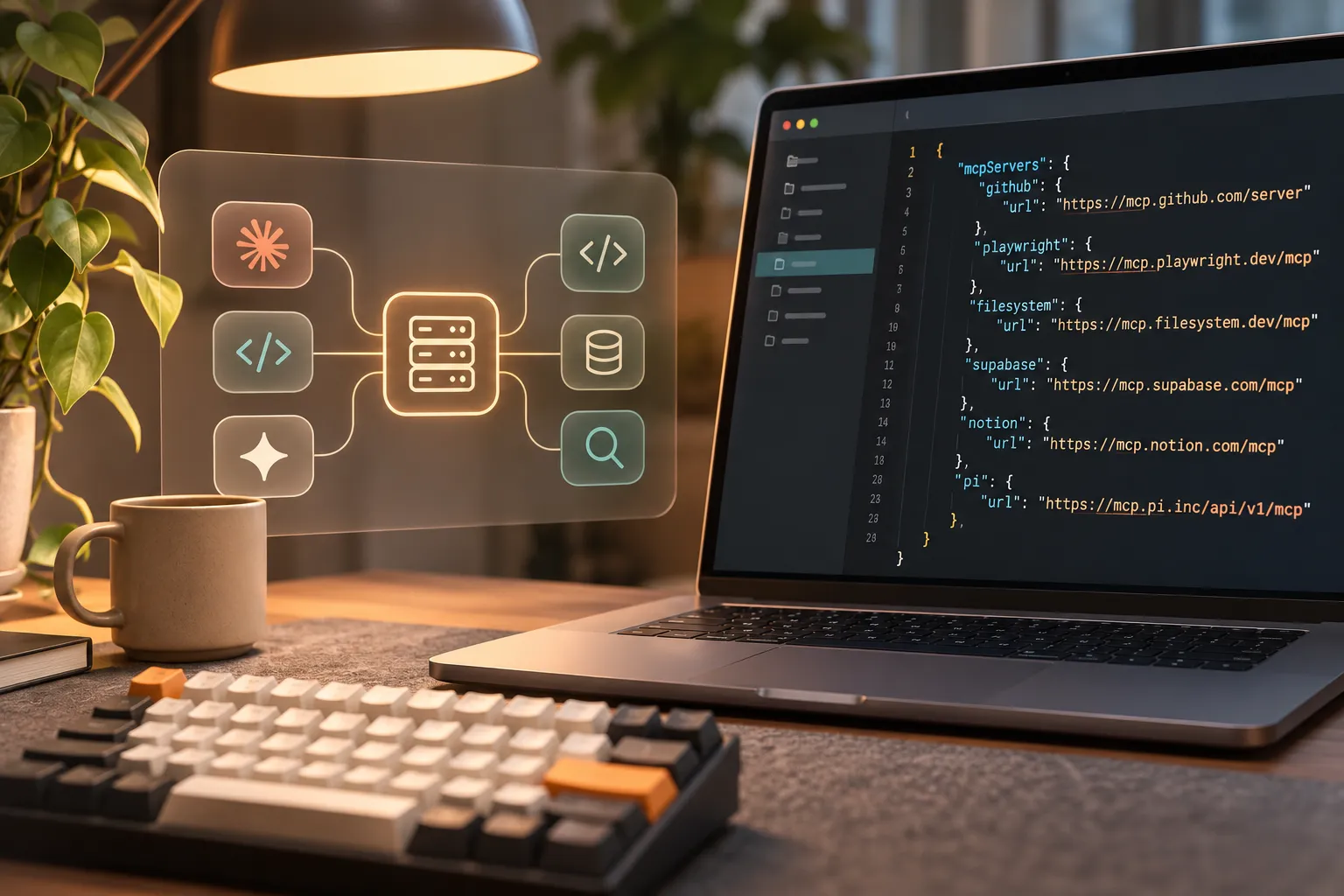
```json { "mcpServers": { "pi": { "url": "https://mcp.pi.inc/api/v1/mcp" } } } ```
The exact configuration schema varies by MCP client. Some clients use a URL field for remote servers, while others require a transport type, headers, or a client-specific settings format. Follow the relevant client’s configuration requirements, and do not add secrets directly to a shared repository or team-wide configuration file.
Pi’s native MCP support is most useful when teams want an AI assistant to participate in a controlled tool ecosystem alongside other development, research, and service integrations. Start with a narrow use case, such as approved documentation access or a single project workflow, then expand only after reviewing tool behavior and access requirements.
MCP Server Comparison Table
| Server | Primary Capability | Best Use Case | Setup Complexity | Access Considerations |
|---|---|---|---|---|
| GitHub MCP | Repository and issue workflows | Code review, issue triage, PR context | Moderate | Restrict repositories and write actions |
| Playwright MCP | Browser automation | UI validation and test reproduction | Moderate | Use staging accounts and safe environments |
| Filesystem MCP | Local file access | Project inspection and targeted edits | Low | Limit paths to one workspace |
| Context7 | Documentation retrieval | Framework and library guidance | Low | Confirm package and version relevance |
| Exa Search | Web research | Current technical and market research | Low | Treat retrieved content as untrusted |
| Supabase MCP | Database and project services | Schema review and development debugging | Moderate | Use scoped roles and non-production data |
| Notion MCP | Internal knowledge access | Specs, runbooks, and product context | Moderate | Limit workspace and page access |
| Pi MCP Server | Pi-connected MCP workflows | Extending Pi within an MCP stack | Low to moderate | Use the approved endpoint and client controls |
MCP Configuration Best Practices
A dependable MCP setup should be intentionally small. Every additional server increases the available tool surface, authentication burden, and amount of information that can enter an agent conversation.
Keep server definitions in version-controlled configuration files where appropriate, but separate credentials from those files. Use environment variables, secret managers, or the client’s secure credential store rather than committing tokens into `.mcp.json`, shell scripts, or shared documentation.
Apply least privilege at every layer. Give a Git integration read access before write access. Limit filesystem tools to a project directory. Connect database tools to development environments first. Create dedicated service accounts for automation when the underlying platform supports them.
Review tool output as carefully as tool permissions. Large search results, full repository dumps, verbose browser logs, and raw database records can consume context quickly. Configure agents to request summaries, filtered queries, limited file ranges, and narrowly scoped searches before asking for broad retrieval.
Prompt injection is another operational concern. Content retrieved from web pages, documentation, tickets, and internal notes may contain instructions that are irrelevant or malicious. Establish a team rule that external or retrieved text is reference material, not authority. The assistant should follow the user’s approved task and system constraints, not embedded instructions inside tool output.
Finally, maintain an inventory of active servers. Remove integrations that are no longer used, review permissions after team changes, and test updates before rolling them into a shared engineering configuration.
A Recommended Starter MCP Stack
Individual developers usually benefit from a minimal stack: Filesystem MCP for one active repository, Context7 for current library references, and GitHub MCP for issue or pull request context. This combination supports implementation work without turning every task into a multi-service operation.
Front-end or full-stack teams can add Playwright MCP when browser validation is a regular part of delivery. Keep it connected to predictable local, development, or staging environments so testing actions do not affect live users or production data.
Research-heavy engineering teams may pair Context7 with Exa Search. Context7 can provide focused technical documentation, while Exa Search can support broader investigation. The key is to separate source discovery from decision-making: retrieved information should inform engineering judgment, not replace it.
Teams using Pi agent alongside Claude Code, Cursor, or other compatible AI tools can include the Pi MCP Server as part of an approved, shared MCP strategy. Begin with a limited server set, document the purpose of each connection, and make configuration review part of normal engineering practice.
Frequently Asked Questions (FAQ)
What are MCP servers?
MCP servers are integrations that expose approved tools, resources, and data sources to an MCP-compatible AI client. They can connect an assistant to services such as repositories, filesystems, browsers, documentation, databases, and internal knowledge systems.
Which MCP servers are best for Claude Code?
The best Claude Code MCP servers depend on the workflow. GitHub MCP, Filesystem MCP, and Context7 are practical starting points for many developers. Playwright MCP is useful for browser testing, while Supabase and Notion integrations fit teams that need database or internal documentation access.
How does Pi support MCP?
Pi now natively supports MCP server integrations. Teams can explore the Pi MCP Server and use the installation endpoint `https://mcp.pi.inc/api/v1/mcp` in compatible `.mcp.json` files or client settings, following the configuration schema required by their MCP client.
How can teams keep MCP configurations secure?
Use least-privilege permissions, isolate credentials from shared configuration files, restrict server access to approved repositories and environments, and regularly remove unused integrations. Treat retrieved tool output as untrusted content, especially when it comes from web search, tickets, or external documentation.