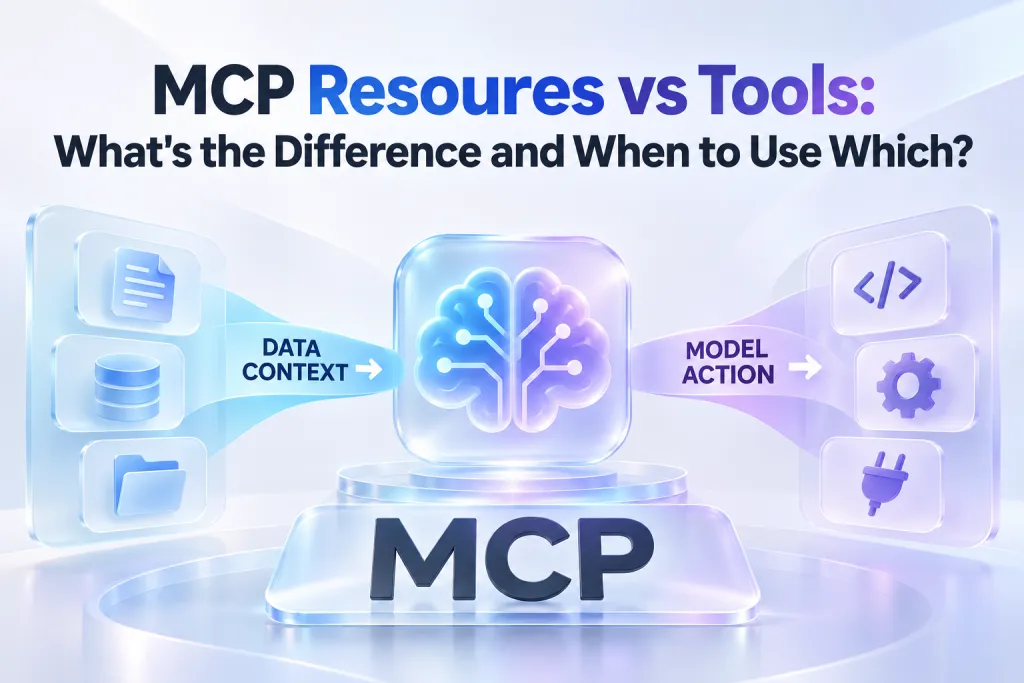
Best MCP Servers for Claude Code: Top Tools (2026)
Claude Code is most valuable when it can do more than reason about files in a local repository. Real engineering work also involves pull requests, current framework documentation, browser tests, database schemas, and updates for people outside the development team.
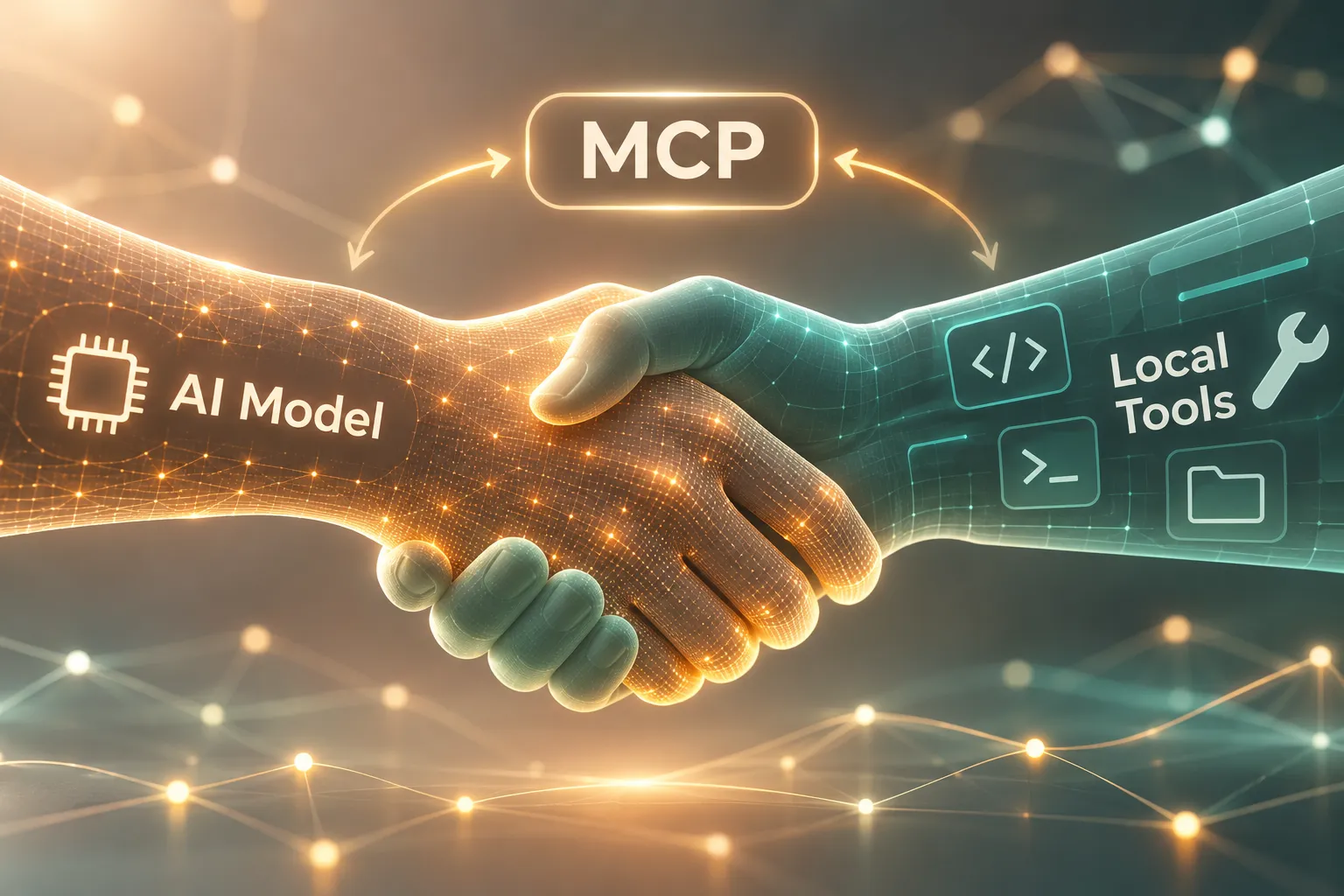
Model Context Protocol (MCP) makes those connections possible. With the right MCP servers, Claude Code can retrieve approved context and perform controlled actions through a terminal-native workflow. But the best MCP servers for Claude Code are not the longest possible MCP servers list. They are a small, trusted set that supports recurring work without creating unnecessary permission risk, latency, or context overhead.
This guide covers the most useful Model Context Protocol servers by workflow, including Pi MCP for turning technical work into professional presentation decks directly from Claude Code.
What Makes an MCP Server Worth Adding to Claude Code?
An MCP server connects an AI client to a defined capability: information retrieval, system access, or a specific action. In Claude Code, that can mean inspecting repository activity, checking live documentation, running browser tests, querying an approved database, or generating a stakeholder-ready deck.
The key is not simply whether a server can connect. It is whether the connection improves a repeated workflow with an acceptable security and maintenance cost.
Evaluate a Claude Code MCP integration against five practical criteria:
- Workflow frequency: Choose servers that support tasks your team performs weekly or daily, not one-off experiments.
- Permission scope: Prefer the narrowest credentials and least-privilege access required for the job.
- Reliability: Verify the server’s provenance, update cadence, error handling, and operational ownership.
- Context cost: A server should retrieve targeted information rather than flood the model with irrelevant data.
- Maintenance burden: Remove integrations that no longer deliver measurable value or require disproportionate upkeep.
A useful distinction is between context servers and action servers. Documentation and schema tools primarily help Claude Code understand a problem. Repository, browser, and data tools may also let it take actions. The latter require more deliberate safeguards.

Repository and Delivery Work: GitHub MCP
For teams that manage code reviews, issues, releases, and delivery planning in GitHub, a GitHub MCP server can bring essential project context into Claude Code. It is especially useful when an implementation task depends on the history around an issue, pull request discussion, changed files, or release status.
A well-scoped GitHub connection can help Claude Code summarize a pull request, identify related issues, draft release notes, or trace a bug report back to recent changes. It can reduce the repetitive switching between terminal, browser, and repository views.
The security boundary matters. Start with read access where possible, and use separate credentials for automation that may create issues, comments, branches, or pull requests. Do not give an MCP integration broad organization-level permissions simply because a single repository workflow is convenient.
GitHub MCP is a strong fit when the problem is delivery coordination around code—not when the task requires current external documentation, browser verification, or a business presentation.
Current Technical Context: Context7 and Search-Focused MCP Servers
Code assistants can reason well about patterns, but library APIs, framework guidance, and package behavior change quickly. Context7 and search-focused MCP servers address that gap by giving Claude Code access to more current technical references.
These servers are valuable when engineers need to confirm a library’s latest usage patterns, check migration guidance, inspect documentation for a dependency, or gather a narrow set of sources before implementing a feature. They are particularly helpful in fast-moving JavaScript, cloud, AI, and infrastructure ecosystems.
Retrieval should remain intentional. Ask for the specific framework version, API surface, or implementation question at hand. Broad web searches can introduce low-quality or outdated material, while excessive retrieval consumes context and can obscure the task.
Treat retrieved material as evidence to validate, not unquestionable truth. Check source authority, compare it with the installed dependency version, and avoid allowing external content to override repository conventions or security controls.
Browser Testing and UI Verification: Playwright MCP
Playwright MCP extends Claude Code into controlled browser testing and UI verification. Instead of relying only on source-level reasoning, an engineer can use browser automation to inspect a test environment, reproduce a user flow, capture screenshots, and identify visible regressions.
This makes Playwright MCP useful for end-to-end test development, form validation checks, navigation flows, responsive UI reviews, and acceptance criteria that depend on what users actually see. It can help close the gap between “the code appears correct” and “the workflow behaves correctly in a browser.”
Browser access deserves careful isolation. Run automation against local, staging, or dedicated test environments rather than production systems. Avoid connecting sensitive personal sessions, saved passwords, payment data, or administrator accounts. Use test fixtures and synthetic accounts whenever possible.
Playwright MCP complements code review and testing practices; it does not replace deterministic test suites, human UX judgment, or release controls.
Database and Service Context: PostgreSQL or Supabase MCP
Database MCP servers can give Claude Code a better understanding of the systems behind an application. A PostgreSQL or Supabase MCP integration may help inspect schemas, trace relationships, review migrations, understand service configuration, and run carefully approved queries.
For development and debugging, schema awareness is often more valuable than unrestricted data access. Claude Code can make stronger implementation recommendations when it understands table names, column types, foreign keys, indexes, and migration history.
Default to read-only access. Keep development, staging, and production environments separate, and use distinct credentials for each. A production connection should be exceptional, tightly scoped, auditable, and limited to the smallest set of required operations.
Write actions need explicit controls. An MCP server should not become a shortcut around migration review, backup procedures, transactional safeguards, or change management. Use it to understand systems and accelerate approved workflows—not to bypass engineering discipline.
Turn Technical Work into Stakeholder-Ready Decks with Pi MCP
Engineering work often ends with a communication task. A technical lead may need to explain an architecture decision to leadership. A product manager may need a launch update based on implementation status. A solutions engineer may need to turn platform capabilities into a customer-facing narrative.
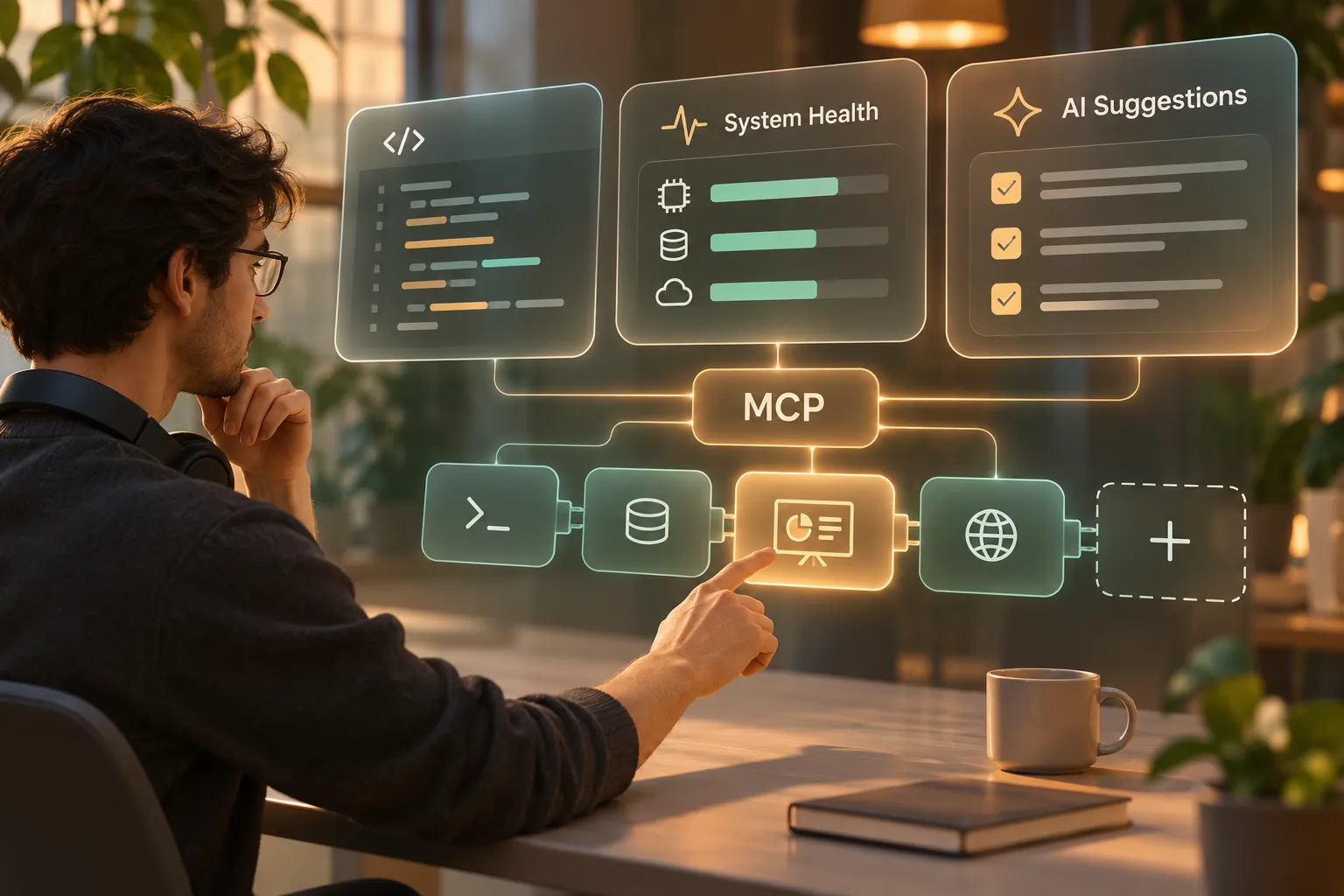
Pi MCP fills this distinct part of the Claude Code workflow. Rather than replacing repository, documentation, browser, or database MCP servers, Pi helps transform their relevant outputs into professional presentation decks. It gives technical teams a way to move from detailed context to structured communication without abandoning the terminal workflow where that context was developed.
1. Business Logic Comes Before Slide Styling
A useful deck is not a collection of formatted screenshots or copied technical notes. It needs a clear audience, message hierarchy, decision path, and narrative structure.
Pi is built for business-ready presentation logic. Developers can begin with an architecture brief, sprint summary, launch plan, incident retrospective, technical sales narrative, or product proposal, then ask Claude Code to prepare a deck with an appropriate story flow. This is particularly useful when the audience includes executives, customers, cross-functional partners, or nontechnical stakeholders.
2. Technical Inputs Become Professional Communication
Pi MCP helps teams turn technical material into polished presentation outputs while retaining the substance that matters. Relevant inputs might include a feature specification, release milestones, performance findings, implementation tradeoffs, or a concise summary of repository and issue context.
Common use cases include:
- Architecture reviews and platform modernization proposals
- Sprint reviews, roadmap updates, and launch-readiness presentations
- Technical sales decks and solution overviews
- Executive briefings on delivery status, risks, and decisions
- Product strategy presentations informed by engineering constraints
Pi’s Multi-Agent AI approach supports the transition from raw source material to coherent business structure and premium visual quality. The goal is not to make engineers become slide designers. It is to help them communicate technical work at the level expected in high-stakes business settings.
3. Refinement Stays Close to the Development Workflow
Presentation work often becomes fragmented: technical notes live in one place, visuals in another, and stakeholder feedback in a third. Pi MCP reduces that context switching by allowing deck generation and iteration through Claude Code.
A developer can provide a focused brief, request a deck for a particular audience, then refine the outline, emphasis, or framing as the project evolves. That makes Pi especially practical when the presentation is a direct artifact of ongoing technical work rather than a separate marketing exercise.
How to Add Pi MCP to Claude Code
Add Pi MCP from the terminal with the following command:
```bash claude mcp add pi https://mcp.pi.inc/api/v1/mcp ```
After configuration, use Claude Code to describe the communication goal and supply the necessary technical context. For example, you might ask for an executive architecture review deck that explains the current system, the proposed change, key risks, expected business impact, and decision required.
Keep the prompt purposeful. Include the intended audience, desired outcome, source material, and constraints such as presentation length or tone. A deck for a VP of Engineering should emphasize decisions, delivery risks, and operating impact differently from a technical sales presentation for a customer.
As with any external integration, share only the material appropriate for the presentation task. Avoid exposing secrets, credentials, private customer data, or sensitive production details unless your organization’s policies and approved environment explicitly allow it.
Comparison Table: Best MCP Servers for Claude Code
| Capability | Recommended MCP Server | Primary Claude Code Use Case | Permission Consideration | Best Fit |
|---|---|---|---|---|
| Repository delivery | GitHub MCP | Issues, pull requests, release context | Start read-only; scope by repository | Engineering teams managing active delivery |
| Current technical references | Context7 or search-focused MCP | Documentation and library research | Validate sources; limit retrieval scope | Framework and dependency work |
| Browser verification | Playwright MCP | End-to-end testing and UI checks | Use test environments and synthetic accounts | Product and QA workflows |
| Data and service context | PostgreSQL or Supabase MCP | Schema inspection and approved queries | Read-only by default; separate environments | Backend and data-intensive work |
| Presentation generation | Pi MCP | Technical briefs to professional decks | Share only approved presentation context | Stakeholder communication and technical storytelling |
The best MCP servers for Claude Code work together because they solve different problems. GitHub provides delivery context, search tools provide current references, Playwright verifies user-facing behavior, database tools clarify service reality, and Pi turns validated technical work into a presentation people can act on.
Build a Lean Claude Code MCP Stack
A lean stack is easier to secure, faster to operate, and simpler for developers to trust. For many teams, three to six active MCP servers are enough. Begin with the systems that support the most frequent work, then expand only when a clear gap appears.
A practical starting combination might include repository access, current documentation, browser testing, and a database schema tool. Add Pi MCP when technical work regularly needs to become an architecture review, product update, customer narrative, or executive presentation.
Review the stack regularly. Check which tools are actually used, whether permissions remain appropriate, and whether each server has an accountable owner. Remove stale configurations, rotate credentials, and reassess action-capable integrations after changes in team structure or infrastructure.
The objective is not to automate every possible task. It is to make Claude Code more useful at the points where trustworthy context and controlled actions create repeatable gains.
Frequently Asked Questions (FAQ)
What is the best starting MCP stack for Claude Code?
A practical starting stack includes a repository server such as GitHub MCP, a documentation or search-focused server, and one environment-specific tool such as Playwright MCP or a read-only database MCP server. Add Pi MCP when your team frequently needs stakeholder-ready decks from technical work.
How can teams choose MCP servers safely?
Choose trusted servers with clear ownership, request the minimum permissions needed, use scoped credentials, and keep production access separate from development and staging. Review integrations regularly and remove servers that no longer support a recurring workflow.
Can Claude Code generate presentations through MCP?
Yes. With Pi MCP configured in Claude Code, developers can turn approved technical briefs, project updates, architecture narratives, and product plans into professional presentation decks without switching away from their terminal workflow.
How does Pi MCP fit into a developer workflow?
Pi MCP serves the communication layer of a developer workflow. While repository, browser, documentation, and database servers help Claude Code understand and validate technical work, Pi helps package that work into clear, business-ready presentations for engineering reviews, product discussions, customer conversations, and executive briefings.