Creative Ideas on Presentation: 10 Ways to Captivate Any Audience

Strong ideas on presentation begin long before you choose a template, add an animation, or open a slide editor. Professionals, marketers, and students often have valuable information but struggle to turn it into a presentation that feels focused, visual, and memorable.
The answer is not more slides. It is a better experience for the audience: a clear message, a logical story, confident visual hierarchy, and a few moments that invite attention. Whether you are presenting a campaign, teaching a concept, pitching an idea, or reporting results, the most engaging decks make the audience understand why the subject matters.
Why Great Ideas on Presentation Start With the Audience
Before planning your slides, define the audience’s starting point and the outcome you need. A leadership team may need a decision. A client may need reassurance. A classroom may need a clear explanation. The same topic should not be presented in exactly the same way to every group.
Ask yourself three questions:
- What does this audience already know?
- What is the one idea they should remember?
- What should they think, decide, or do next?
These questions create useful boundaries. They prevent a presentation from becoming a collection of facts, screenshots, and decorative visuals. Relevance earns attention; design then makes that relevance easier to see.
Build a Story Arc, Not a Slide Collection
A presentation needs momentum. Instead of arranging slides by the order in which you found information, build a simple narrative arc:
1. Beginning: Establish the context, problem, or opportunity. 2. Tension: Show what is at stake, what is changing, or what is not working. 3. Resolution: Introduce the insight, recommendation, solution, or lesson. 4. Action: Clarify the decision, next step, or takeaway.
For a marketing proposal, the tension may be declining campaign performance and the resolution may be a new positioning strategy. For a class presentation, the tension may be a misconception that the lesson corrects. For a business update, it may be a risk that requires a decision.
A story arc does not make a presentation less analytical. It gives analysis a purpose.
10 Ideas on Presentation That Make Slides More Engaging
1. Open With a Question or Contrast
Start with a question that matters to the room, such as “What would happen if we reduced onboarding time by half?” You can also use contrast: the current state versus the desired future state.
This approach gives the audience a reason to listen before you introduce details. Avoid opening with a dense agenda slide unless the meeting requires formal navigation.
2. Lead With One Big Idea Per Slide
Each slide should make one primary point. A headline such as “Retention improved after the onboarding redesign” is stronger than “Customer Metrics.”
Use the title to state the takeaway, then let the chart, visual, or supporting evidence prove it. This reduces cognitive load and helps people follow your argument without reading every word.
3. Use a Visual Metaphor With Purpose
A visual metaphor can make an abstract concept easier to grasp. A bridge can represent a transition, a compass can represent strategic direction, and a funnel can show narrowing choices.
The metaphor should clarify the message, not decorate the slide. If it needs a long explanation, it is probably adding complexity rather than meaning.
4. Simplify Data Into a Decision
Data-heavy slides often fail because they show everything instead of answering the important question. Highlight the comparison, trend, exception, or implication that matters.
For example, rather than showing twelve equally weighted metrics, focus on the three that explain performance. Use annotation sparingly to direct attention to the meaningful change. The goal is not to hide detail; it is to make the evidence readable.
5. Add Meaningful Audience Participation
Participation works when it advances the story. Ask the audience to vote between two priorities, predict a result before revealing it, or reflect briefly on a relevant challenge.
A poll, question, or show of hands can reset attention during a longer session. However, interaction should support a decision or insight. Do not add it simply because a presentation feels like it needs more activity.
6. Create Rhythm Between Sections
Every slide does not need the same layout. A deck becomes easier to follow when it has intentional rhythm: an opening statement, a data point, a case example, a summary, then a transition.
Use section divider slides or a consistent visual cue to signal a new chapter. This gives the audience time to process what they have learned and understand where the story is going next.
7. Show Before-and-After Comparisons
Before-and-after comparisons are powerful because they make change visible. They work for product redesigns, process improvements, campaign outcomes, customer journeys, and strategic choices.
Keep both sides comparable. Use the same scale, structure, or framing so the audience can quickly identify what changed and why it matters.
8. Reveal Information Progressively
Do not show a complete answer before the audience understands the question. Progressive disclosure can help you explain a process, unpack a chart, or build toward a recommendation.
Use it with restraint. A sequence of thoughtful reveals can create focus, while excessive animation can feel slow or distracting. The audience should remember the insight, not the transition effect.
9. Make the Audience the Hero
The best presentations are not primarily about the speaker, company, or project team. They are about the audience’s challenge and the opportunity in front of them.
In a sales deck, show how the client can achieve a better outcome. In a classroom presentation, show how the learner can apply the concept. In an executive report, show how leaders can make a stronger decision.
10. End With a Clear Next Step
A memorable ending should not simply repeat every slide. It should state the decision, action, or principle that follows from the presentation.
End with a direct recommendation, a practical commitment, or one concise line that captures the central message. Leave enough space for the audience to absorb it.
Presentation Design Ideas: Use Minimalism to Make the Message Stronger
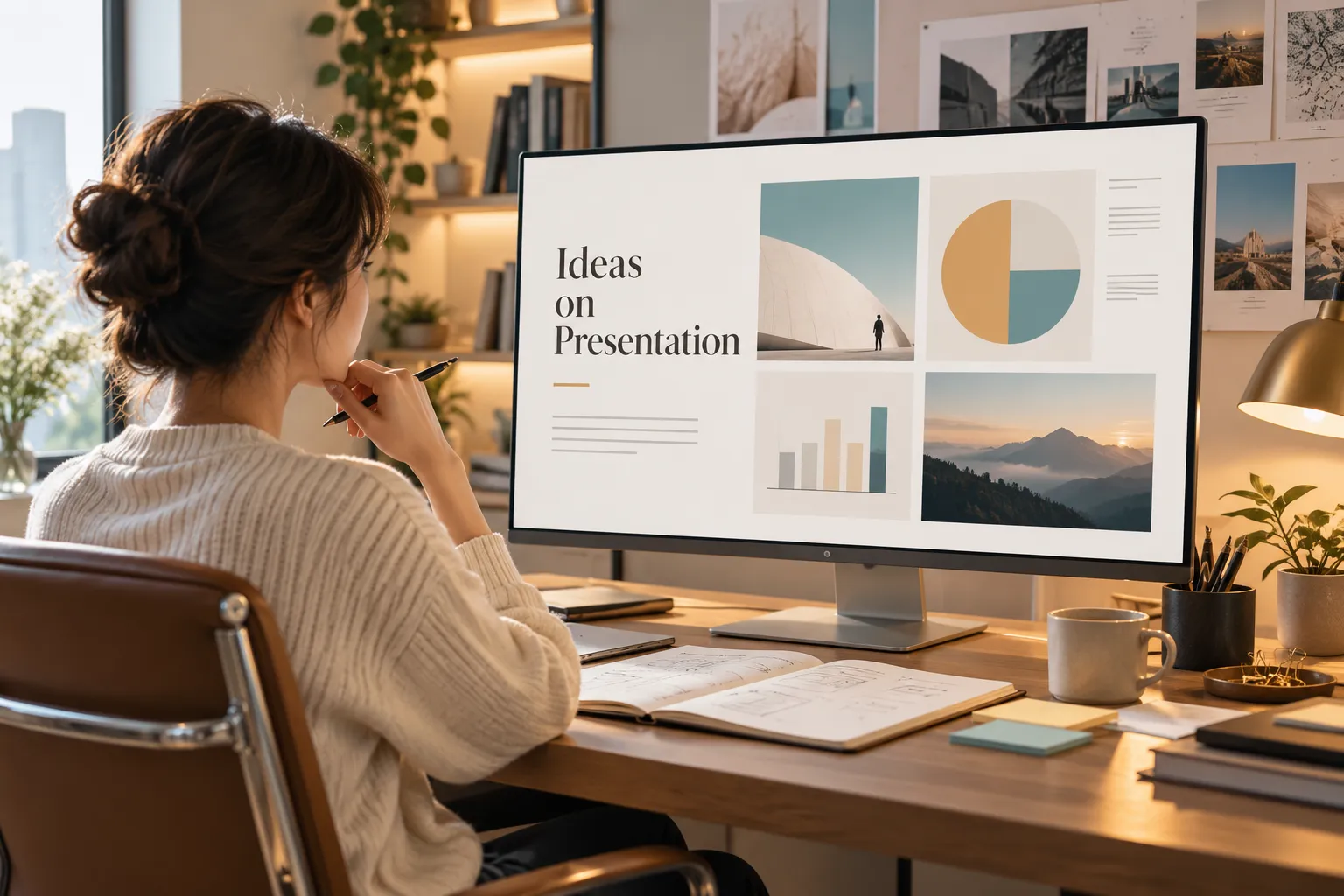
The most durable presentation design ideas are often restrained. Swiss-inspired minimalist design is useful because it prioritizes order, readability, and hierarchy over decoration.
Start with a grid. Align titles, body copy, images, and charts to consistent edges. This creates a sense of calm even when the content is complex. Add generous whitespace so important elements have room to stand out.
Limit typography to one or two typefaces and use size, weight, and spacing to establish hierarchy. A strong headline, a short supporting line, and a clear visual are usually more effective than several competing text blocks.
Use color intentionally. One primary neutral palette with one accent color can guide attention without overwhelming the slide. Contrast matters: important text and data should remain easy to read in a conference room, on a laptop, or in a shared PDF.
Minimalism is not about making slides empty. It is about removing anything that does not help the audience understand the message.
Creative Presentation Topics Need the Right Visual Format
Even strong creative presentation topics can feel confusing when the visual format does not match the content. Choose a structure that mirrors how the audience needs to understand the idea.
A timeline works well for change over time. A process diagram helps explain steps and dependencies. A comparison matrix supports trade-off discussions. An annotated screenshot can clarify a product experience. A customer journey can reveal pain points across stages. A single-message chart can make a data trend easier to interpret.
Match the format to the question on the slide. If the audience needs to compare, show a comparison. If they need to understand sequence, show a sequence. If they need to choose, make the decision criteria visible.
Use Interaction Carefully to Create Participation
Interactive elements can be useful, but they should never replace a clear message. A quick prompt can uncover assumptions. A live choice can help a group prioritize. A pause can give people time to consider a difficult point before discussion begins.
Plan interaction as carefully as any other slide. Know the question, expected response, time limit, and transition back to the narrative. Test polls, links, and embedded media before the presentation, especially in high-stakes meetings.
Accessibility also matters. Explain visuals verbally, avoid relying on color alone, and offer a clear alternative if a live tool fails. Good engagement design is inclusive, practical, and reliable.

How an AI Presentation Maker Can Support Better Ideas
An AI presentation maker can reduce friction in the early stages of creating a deck. It can help transform a rough brief, research notes, meeting summaries, or source documents into an initial outline and visual direction.
A responsible workflow still requires human judgment. Review the facts, validate claims, refine the narrative, and remove generic language. AI can accelerate brainstorming and layout exploration, but it cannot replace subject-matter expertise, audience research, or rehearsal.
The most valuable use of AI is often moving faster through routine production tasks so you can spend more time on message quality and decision-making.
From Rough Concept to Business-Ready Deck With Pi
Pi is designed for people who have useful material but need to shape it into a more coherent, professional presentation. Its AI-native workflow can support high-stakes business needs, including sales decks, executive presentations, consulting reports, brand proposals, and pitch decks.
1. Business Logic Comes Before Slide Styling
Pi can help turn scattered notes, research, and early ideas into a structured narrative. Rather than treating each slide as an isolated design task, the workflow supports a clearer progression from context to insight, recommendation, and action.
2. Multi-Agent AI Supports Complex Presentation Work
For presentations that require several kinds of thinking, Pi’s Multi-Agent AI can help organize content, develop a professional structure, and explore a visual direction. This is particularly useful when a deck needs to balance business logic, evidence, and audience-facing clarity.
3. Premium Visual Quality Supports Credibility
Pi can help create polished layouts and a consistent visual system without forcing every presentation into the same look. The presenter still owns the final judgment: checking accuracy, strengthening the point of view, and ensuring the deck fits the specific audience.
Choose the Right Presentation Idea for Your Goal
| Presentation Goal | Recommended Technique | Common Caution | Audience Benefit |
|---|---|---|---|
| Explain a process | Step-by-step diagram | Too many steps | Clearer understanding |
| Persuade a decision-maker | Contrast and recommendation | Weak evidence | Faster evaluation |
| Teach a concept | Question, example, recap | Excessive detail | Better retention |
| Report performance | Annotated data chart | Showing every metric | Stronger focus |
| Inspire action | Story arc and future state | Vague ending | Clear motivation |
The table is a reminder that no single presentation technique works everywhere. Choose the method that best supports the audience’s task in that moment.
Make Your Next Presentation Easier to Remember
The strongest ideas on presentation are not flashy tricks. They are deliberate choices that make a message easier to understand, trust, and recall. Start with the audience, build a clear story, use visuals that match the information, and keep the design disciplined.
Choose two or three techniques that fit your goal instead of trying to use all ten in one deck. A presentation becomes memorable when every element points toward the same takeaway.
Frequently Asked Questions (FAQ)
How do I generate ideas for a presentation?
Start with the audience’s problem, the one takeaway they need, and the action you want after the presentation. Then choose a story structure and visual format that make that message easier to understand.
What makes a presentation engaging?
An engaging presentation is relevant, easy to follow, and visually focused. Strong openings, clear slide headlines, meaningful examples, selective participation, and a specific ending all help maintain attention.
How can minimalist design improve presentation slides?
Minimalist design improves slides by reducing distractions. Consistent alignment, whitespace, limited typography, strong contrast, and restrained color use make important information easier to scan and remember.
Can AI help create presentations responsibly?
Yes. AI can help organize source material, suggest outlines, and explore layouts. You should still verify facts, adapt the message for the audience, review the design, and rehearse the final presentation.