10+ Motivational Game Ideas for Presentations to Boost Engagement
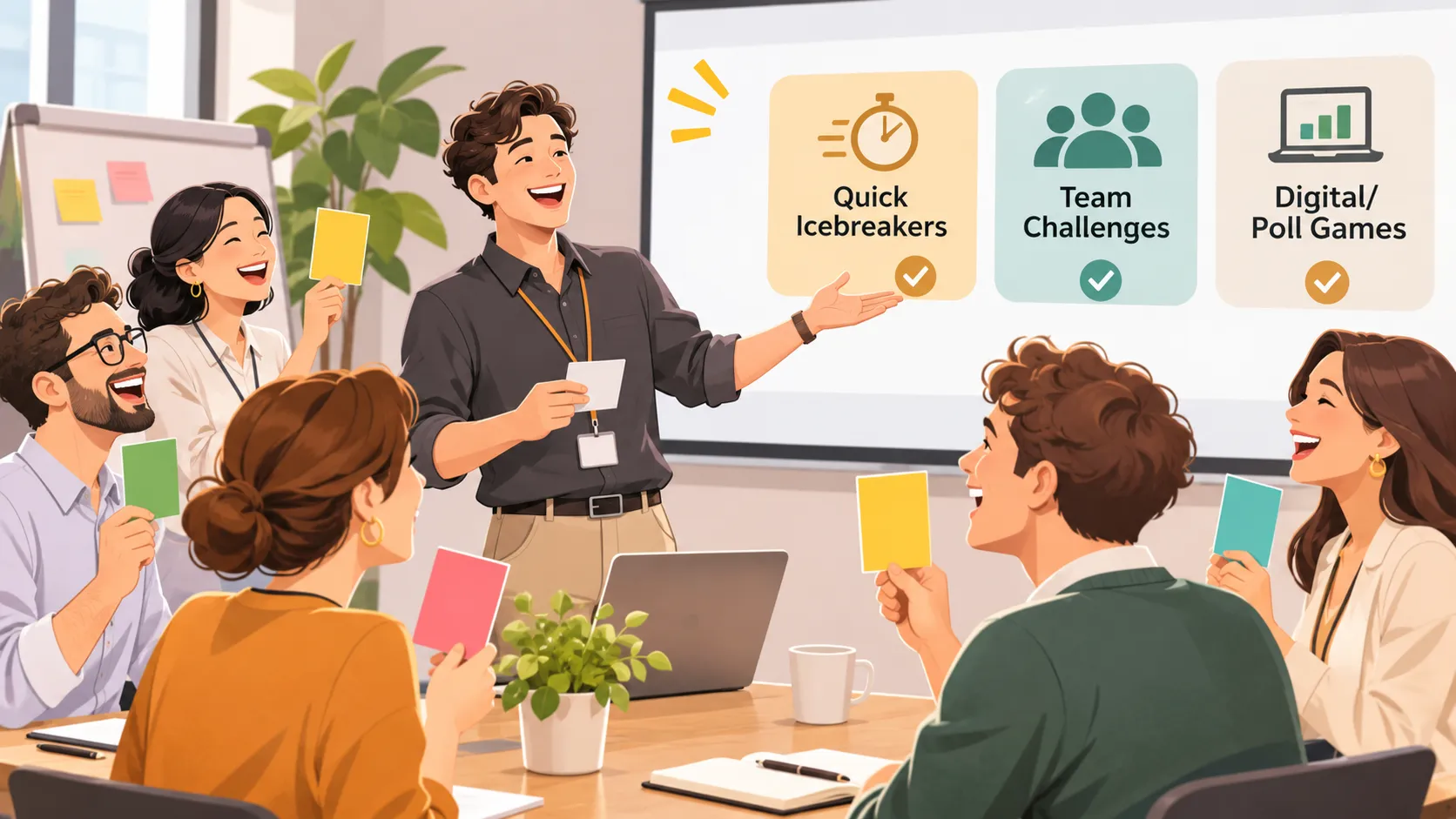
A strong presentation does not need constant entertainment, but it does need moments that invite people to participate. When audiences only listen for long periods, attention can fade—even when the content is important. Purposeful activities help people reset, contribute ideas, test understanding, and connect the message to their own work.
The best motivational game ideas for presentations are short, relevant, and low-pressure. They support a specific goal instead of filling time: opening the room, uncovering opinions, reinforcing learning, generating solutions, or ending with commitment.
Use the ideas below in team meetings, training sessions, workshops, sales presentations, and virtual events. Each activity includes a clear purpose, minimal setup, timing guidance, and facilitation advice so you can run it without losing momentum.
How to Choose the Right Presentation Game
Before choosing from these interactive presentation games, decide what your audience needs at that moment. A high-energy opening activity may not suit an executive update, while a reflective closing exercise may be more valuable than another quiz.
Consider five practical factors:
- Presentation outcome: Do you need ideas, understanding, connection, recognition, or action?
- Available time: A good presentation icebreaker often takes five minutes or less.
- Group size: Small groups can discuss; large audiences benefit from polls, chat, or simple voting.
- Energy level: Use a calm check-in for focused rooms and a faster challenge when attention is dropping.
- Format and access: Choose activities that work equally well in person, remotely, or in a hybrid room.
| Presentation Need | Best Game Category | Suitable Group Size | Typical Time | Primary Outcome |
|---|---|---|---|---|
| Start participation | Quick icebreakers | 5–50 | 3–7 minutes | Comfort and connection |
| Generate ideas | Team challenges | 6–40 | 5–12 minutes | Collaboration |
| Test understanding | Digital and poll games | 10–500+ | 3–8 minutes | Recall and insight |
| End with purpose | Reflection games | 5–100 | 4–10 minutes | Commitment and motivation |
Quick Icebreakers for Presentations
Quick icebreaker games for presentations help attendees speak early, which makes later discussion feel less intimidating. Keep the instructions simple and make participation optional where personal sharing may feel uncomfortable.
Two Truths and a Work Win
Goal: Build rapport while highlighting progress, skills, or shared experience.
Setup: Ask each participant to prepare two true statements about themselves and one recent work win. The work win can be individual, team-based, or project-related.
Time: 5–7 minutes. Ideal group size: 4–20 people.
Steps: Invite each person to share three statements. The group guesses which statement is the work win, then the speaker briefly explains it. For a larger group, ask volunteers to participate or run the game in breakout rooms.
Facilitator tip: Keep the focus professional and voluntary. Offer an alternative prompt, such as “one useful lesson learned recently,” for people who prefer not to share personal details.
This or That: Presentation Edition
Goal: Raise energy, reveal preferences, and introduce the presentation topic.
Setup: Prepare two contrasting choices related to the session. For a sales training, ask “Discovery call or product demo?” For a project meeting, ask “Speed or certainty?” Participants can raise hands, move to a side of the room, use reactions, or vote digitally.
Time: 3–5 minutes. Ideal group size: 5–100+ people.
Steps: Show one choice at a time, allow quick voting, and ask one or two people to explain their selection. Connect the responses to your next slide: “Most of us chose speed. Let’s look at where speed creates risk in this process.”
Facilitator tip: Avoid framing one answer as wrong. The value comes from hearing the trade-offs behind each preference.
One-Word Check-In
Goal: Read the room and connect the audience’s mindset to the session objective.
Setup: Ask participants to describe how they feel about the topic, project, or challenge in one word. In a virtual setting, collect answers in the chat. In person, invite a quick round-robin or use sticky notes.
Time: 3–5 minutes. Ideal group size: 5–40 people.
Steps: Give the prompt, collect words rapidly, and identify two or three patterns you notice. Then acknowledge the room: “I’m hearing ‘curious,’ ‘busy,’ and ‘uncertain.’ By the end, you should have a clearer path forward.”
Facilitator tip: Do not overanalyze every response. This is a quick signal, not a therapy session or a debate.
Team Challenges That Build Momentum
Team motivation activities work best when they create a useful result. The following challenges turn attendees into contributors by asking them to solve, sequence, or communicate something connected to the presentation.
The Five-Minute Problem Solve
Goal: Generate practical ideas around a real presentation topic.
Setup: Create a short scenario with one clear challenge. For example: “A customer adoption rate has stalled. What are the first three actions the team should take?” Divide attendees into small groups of three to five.
Time: 7–10 minutes. Ideal group size: 6–40 people.
Steps: Give groups two minutes to understand the challenge, three minutes to develop a response, and one minute to select a spokesperson. Ask each group to share one recommendation, then reveal your own framework or proposed solution.
Facilitator tip: Set a visible timer and limit outputs. A concise challenge builds urgency; an overly broad prompt creates silence or scattered discussion.
Puzzle the Message
Goal: Reinforce a process, framework, timeline, or set of key facts.
Setup: Put the steps of a process or the elements of a message in the wrong order. Use printed cards for in-person sessions or draggable items, numbered chat responses, or shared slides for virtual groups.
Time: 5–8 minutes. Ideal group size: 4–30 people.
Steps: Ask teams to arrange the items in the correct sequence. Once they commit, reveal the answer and explain why the order matters. For example, a product-launch team might sequence research, positioning, creative development, launch, and measurement.
Facilitator tip: Use only five to seven items. The game should clarify the logic of your content, not become a difficult test of memory.
Pitch It in 30 Seconds
Goal: Help participants turn learning into a clear recommendation or message.
Setup: Give teams a prompt connected to the presentation, such as “Pitch this new workflow to a busy manager” or “Explain the customer benefit in one sentence.”
Time: 6–10 minutes. Ideal group size: 6–50 people.
Steps: Give groups three minutes to prepare a 30-second pitch. Invite several teams to deliver it, then ask the audience to identify the clearest benefit, strongest proof point, or most memorable phrase.
Facilitator tip: Emphasize clarity over performance. This activity should be accessible to quieter participants, so teams can choose a spokesperson or submit a written pitch instead.
Digital and Poll Games for Interactive Presentations
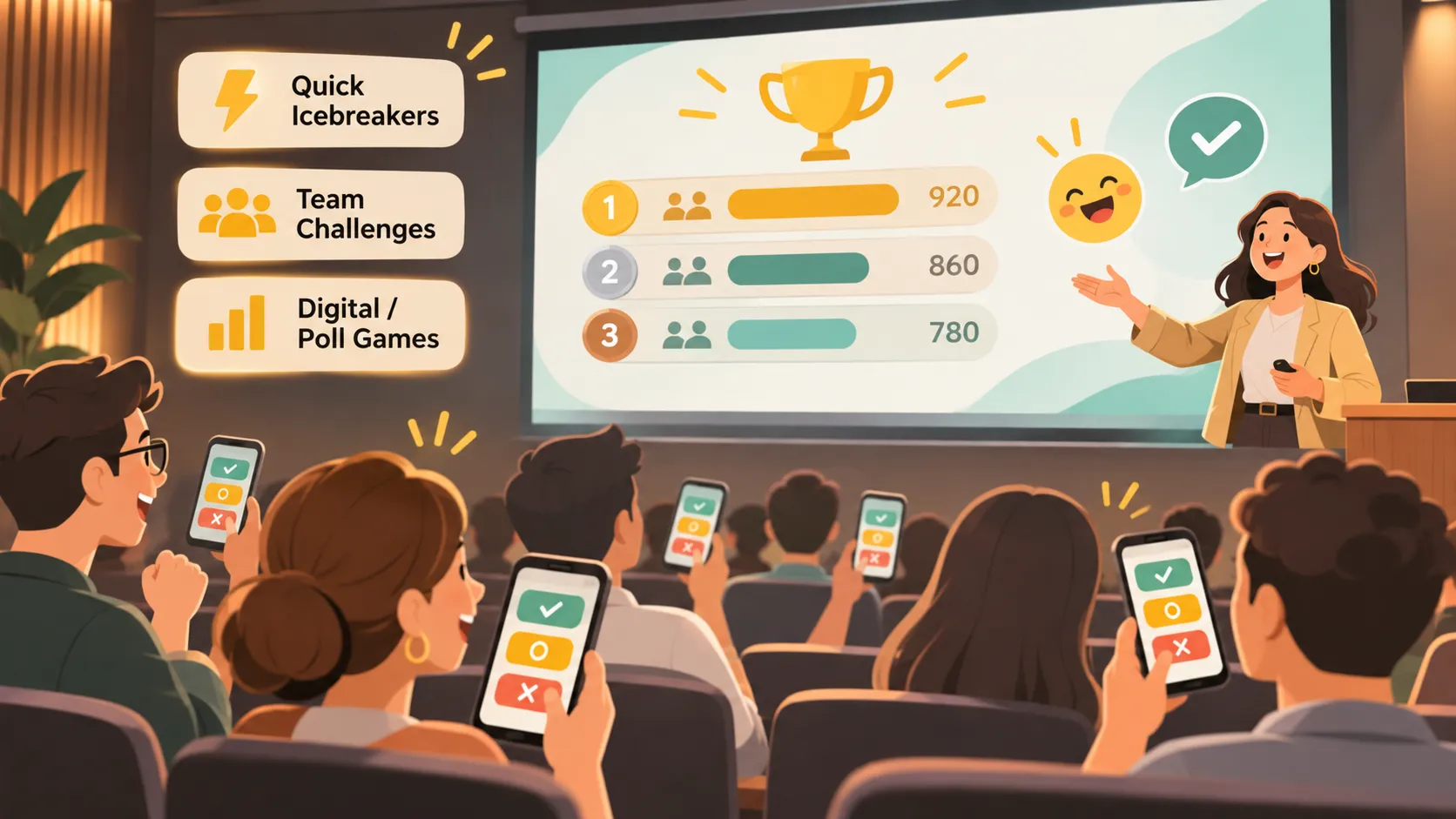
Digital audience engagement games are especially useful for large, remote, and hybrid audiences. They make it easy to gather input from people who may not want to speak aloud, while giving the presenter real-time signals about knowledge, sentiment, and priorities.
Live Prediction Poll
Goal: Create curiosity before sharing a result, statistic, or recommendation.
Setup: Write a prediction question with two to four possible answers. For instance: “Which stage creates the largest delay in our current approval process?” Use a polling feature, QR code, chat vote, or simple show of hands.
Time: 3–5 minutes. Ideal group size: 10–500+ people.
Steps: Ask participants to vote before showing the data. Display the results, then reveal the answer and discuss the gap between perception and reality.
Facilitator tip: Make the question meaningful. A prediction poll is most effective when the answer changes how people understand the next part of the presentation.
Quiz, Guess, or Myth?
Goal: Correct misconceptions and reinforce key learning points.
Setup: Prepare three to five short statements related to your presentation. Each statement should be a fact, a reasonable guess, or a common myth.
Time: 5–8 minutes. Ideal group size: 8–200+ people.
Steps: Show one statement at a time and ask participants to vote “fact,” “guess,” or “myth.” Reveal the answer with a concise explanation and a supporting example. Use the final question to bridge into the next section.
Facilitator tip: Keep the tone constructive. The purpose is to make learning memorable, not to expose people for getting an answer wrong.
Choose the Next Move
Goal: Let the audience explore the consequences of a decision.
Setup: Build a short scenario with two or three possible next actions. A leadership presentation might ask whether to expand, optimize the current market, or pause investment for further research.
Time: 6–10 minutes. Ideal group size: 10–150 people.
Steps: Present the situation, ask the audience to vote on the next move, and reveal the likely consequence of their choice. Continue with a second decision if time allows, then connect the scenario to your recommendation.
Facilitator tip: Explain that the game simplifies reality. Its purpose is to surface decision criteria and trade-offs, not to simulate every variable in a business case.
💡 Pro Tip for Presenters: Want to build interactive quiz or poll slides in seconds without manual formatting?
Build Interactive Slides with Pi
Reflection Games for Team Motivation
Not every motivational activity needs to be competitive. Reflection-based presentation games can recognize progress, make learning personal, and help attendees leave with a clear next step.
Win Wall
Goal: Create recognition and remind the team that progress is already happening.
Setup: Ask participants to share a recent win, useful lesson, helpful collaboration, or customer outcome. Collect responses on sticky notes, a shared board, or the presentation chat.
Time: 5–8 minutes. Ideal group size: 5–80 people.
Steps: Give people one minute to write a contribution. Invite volunteers to share selected examples, group similar themes, and link the wins back to the presentation’s broader objective.
Facilitator tip: Define “win” broadly. A lesson from a difficult project, a small process improvement, or a supportive teammate can be as valuable as a major metric.
Commitment Cards
Goal: Turn presentation insight into a practical action.
Setup: End with the prompt: “What is one action you will take in the next seven days?” Participants can write it privately, submit it anonymously, or share it with a partner.
Time: 4–7 minutes. Ideal group size: 5–100 people.
Steps: Give attendees quiet time to write one specific action. Ask them to make it measurable and realistic. Invite optional sharing, then summarize the most common commitments.
Facilitator tip: Avoid asking for grand promises. Specific actions—such as scheduling a customer interview or reviewing one KPI—are more likely to become real follow-through.
How to Run Presentation Games Without Losing Control of the Room
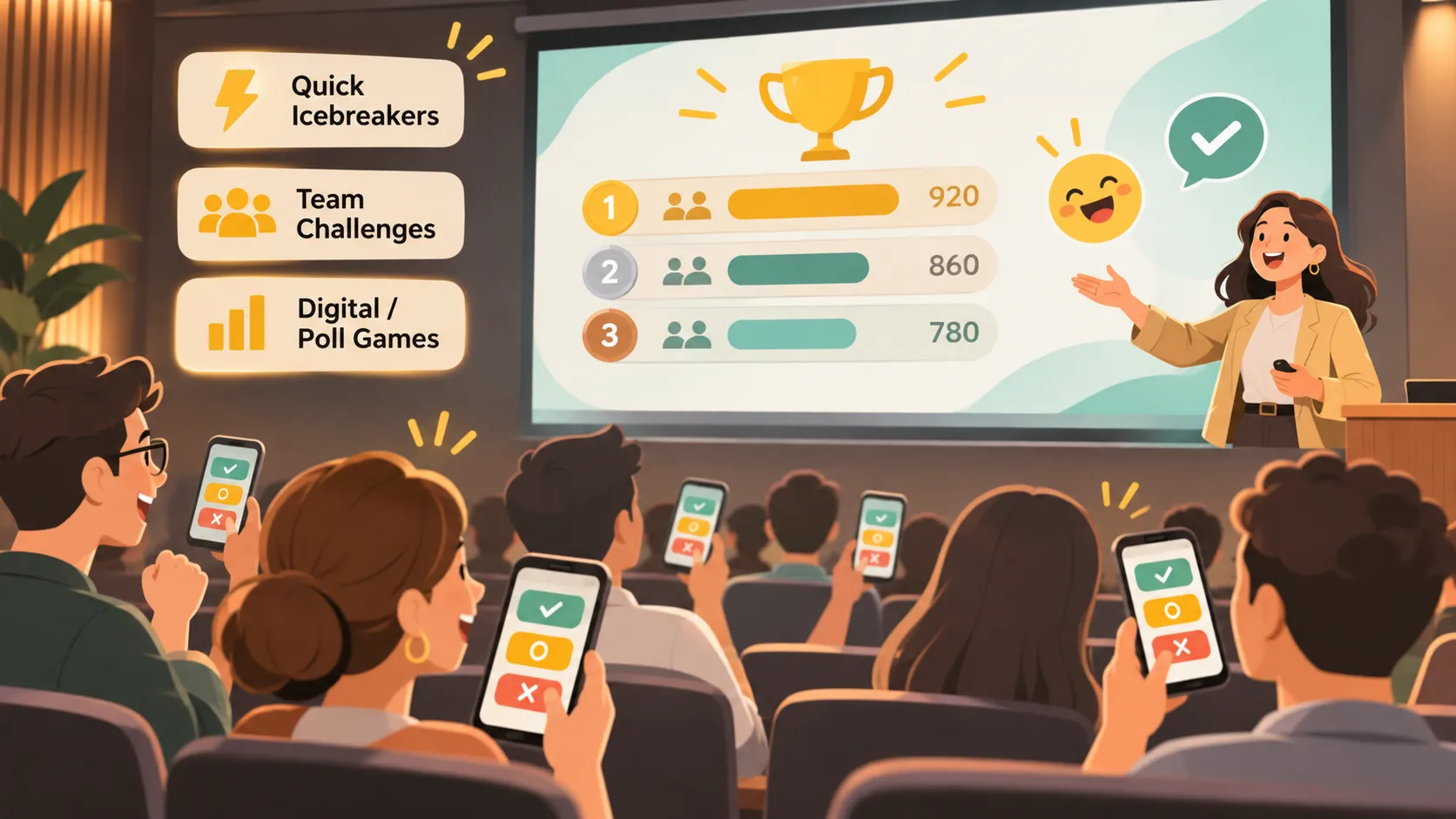
A game should feel like a meaningful part of the presentation, not an interruption. Start by explaining why the activity matters in one sentence. Then give instructions verbally and visually, show a timer, and state exactly what output you expect.
Use voluntary participation whenever possible, especially with unfamiliar groups or senior audiences. Provide accessible alternatives: chat instead of speaking, written responses instead of movement, and team participation instead of individual competition. This approach makes presentation icebreakers more inclusive without reducing involvement.
Finally, debrief every activity. Ask what participants noticed, what surprised them, or how the result connects to the next decision. The debrief is where an enjoyable moment becomes a useful learning or motivation tool. End while energy remains high rather than extending a game beyond its value.
Build Game Instructions Into a Professional Presentation Workflow
Interactive activities need clear slides just as much as the rest of a business presentation. Participants should be able to see the prompt, instructions, time limit, and expected response without asking for repeated clarification.
Pi helps presenters build these moments into a coherent narrative rather than adding disconnected activity slides at the last minute. Its AI presentation workflow can turn a session outline into polished instruction slides, discussion prompts, transition pages, and executive-ready recap slides.
1. Business Logic Comes Before Slide Styling
A game works best when it supports the argument of the presentation. Pi can help structure the deck around the audience’s decision journey: context, challenge, activity, insight, recommendation, and next step. This keeps engagement aligned with the message.
2. Clear Instructions Reduce Facilitation Friction
A concise prompt, visual timer, and simple response format make interactive presentation games easier to run. Pi helps maintain consistent hierarchy across these slides, so attendees can quickly understand what to do and why it matters.
3. Turn Participation Into a Useful Recap
After a poll, challenge, or commitment exercise, capture the key takeaways in a final summary. Pi can help transform those insights into a business-ready recap for team follow-up, stakeholder discussions, or an executive presentation.
Frequently Asked Questions (FAQ)
What motivational game ideas work best for large presentations?
Polls, prediction questions, myth-or-fact quizzes, and simple chat prompts work well for large audiences. They allow many people to participate at once without requiring every attendee to speak. Keep questions short, display results clearly, and connect each response to the presentation message.
How long should a presentation icebreaker last?
Most presentation icebreakers should take three to seven minutes. The activity should create early participation without delaying the agenda. If the group needs more discussion, use a longer team challenge later in the session rather than extending the opening game.
How can I engage a quiet audience without forcing participation?
Offer low-pressure ways to contribute, such as anonymous polls, chat responses, written reflection, pair discussion, or optional volunteer sharing. Give people a clear prompt and enough thinking time. Quiet audiences often engage more when they can respond without being put on the spot.
Which interactive presentation games work for virtual meetings?
One-word check-ins, live prediction polls, quiz games, virtual breakout problem-solving, and commitment cards all work well remotely. Use a clear shared slide, simple instructions, and a visible timer. Avoid activities that depend on complex tools or require participants to switch between too many platforms.